Upload your audio
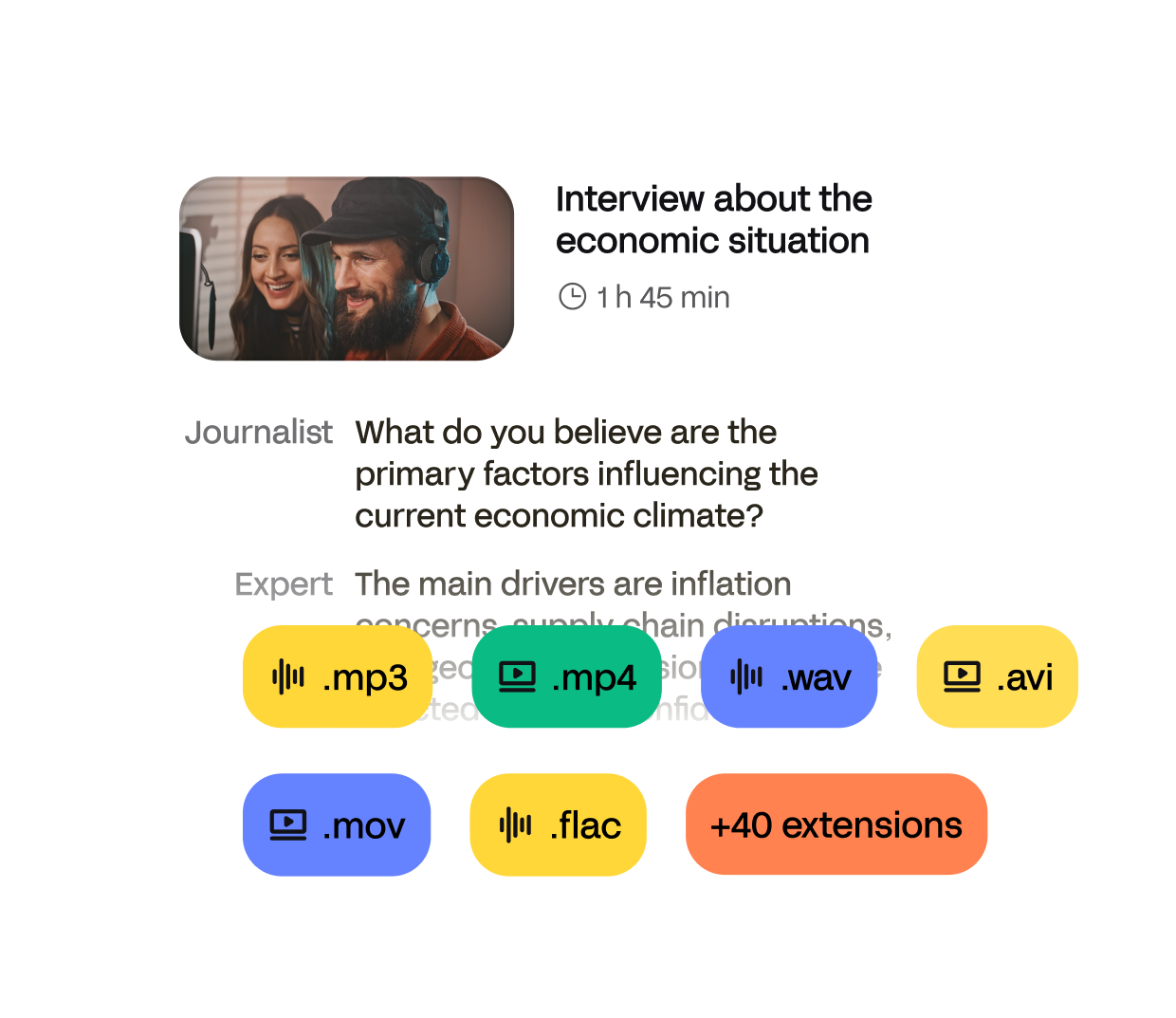
Upload your audio file from your computer, Google Drive, Dropbox, or paste a YouTube link. HappyScribe supports 45+ audio formats (MP3, WAV, M4A, AAC, FLAC, etc.) with no file size limits.
Transcribe your recordings in 150+ languages with AI. Get results in minutes, up to 99% accuracy.


Chosen by 6M+ users and 41,000+ teams for fast, accurate audio transcription.
Upload your audio file from your computer, Google Drive, Dropbox, or paste a YouTube link. HappyScribe supports 45+ audio formats (MP3, WAV, M4A, AAC, FLAC, etc.) with no file size limits.
Our AI automatically detects your audio language. You can also manually select from 120+ supported languages for better accuracy. We handle all accents and dialects.
Get your transcript in minutes. Export as Word (DOCX), PDF, TXT, SRT, VTT, or 10+ other formats. Edit directly in our online editor or share with your team instantly.
Convert audio to text online with highly accurate AI. Get clean transcripts in minutes. Perfect for interviews, meetings, lectures, and podcasts.
Transform your audio recordings into text in 150+ languages and accents, including English, Spanish, and more. Perfect for global teams and multilingual content.
Whether your file is MP3, WAV, M4A, AAC, WMA, OGG, AIFF, or any other format, HappyScribe handles it seamlessly.
Edit, highlight, search, and correct your transcript quickly. Designed for creators, journalists, researchers, and professionals who need clean, polished text.
Download as TXT, DOCX, PDF, SRT, VTT, or more. Create subtitles automatically for videos, podcasts, and social content.
Your audio transcriptions are protected by advanced security measures. Your data remains confidential and is never shared with third parties. GDPR compliant.
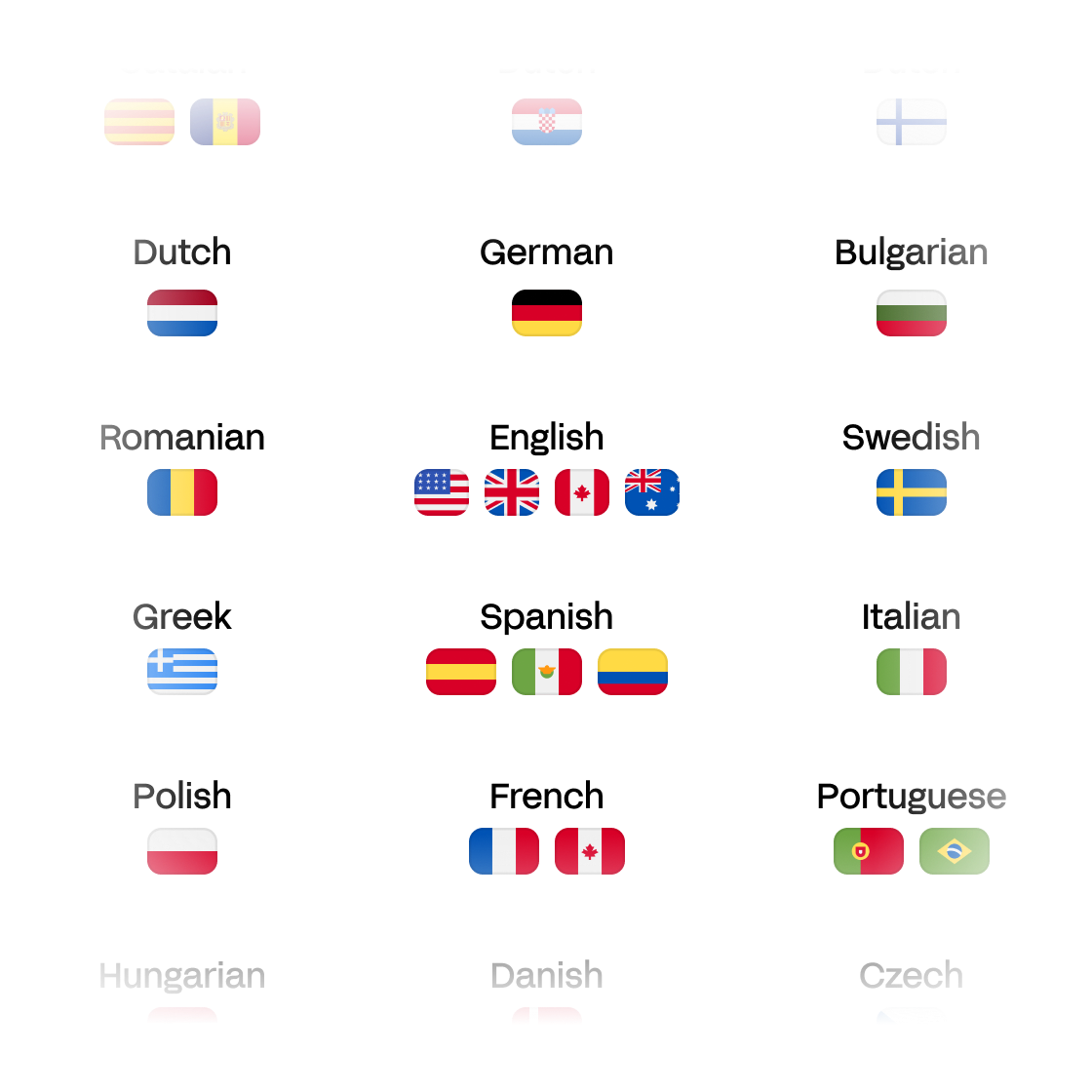
Transcribe audio in English, Spanish, French, German, Italian, Portuguese, Dutch, and over 120+ other languages with high accuracy.
Languages supported:
English · Spanish · French · German · Italian · Portuguese · Dutch · +120 more
Whether your audio comes from an interview, meeting, lecture, or podcast, HappyScribe delivers fast and reliable transcripts even with background noise and accents.
Optimized for:
Interviews · Meetings · Lectures · Podcasts · Voice notes
Accuracy strength:
150+ languages · Strong accent detection · Noise handling

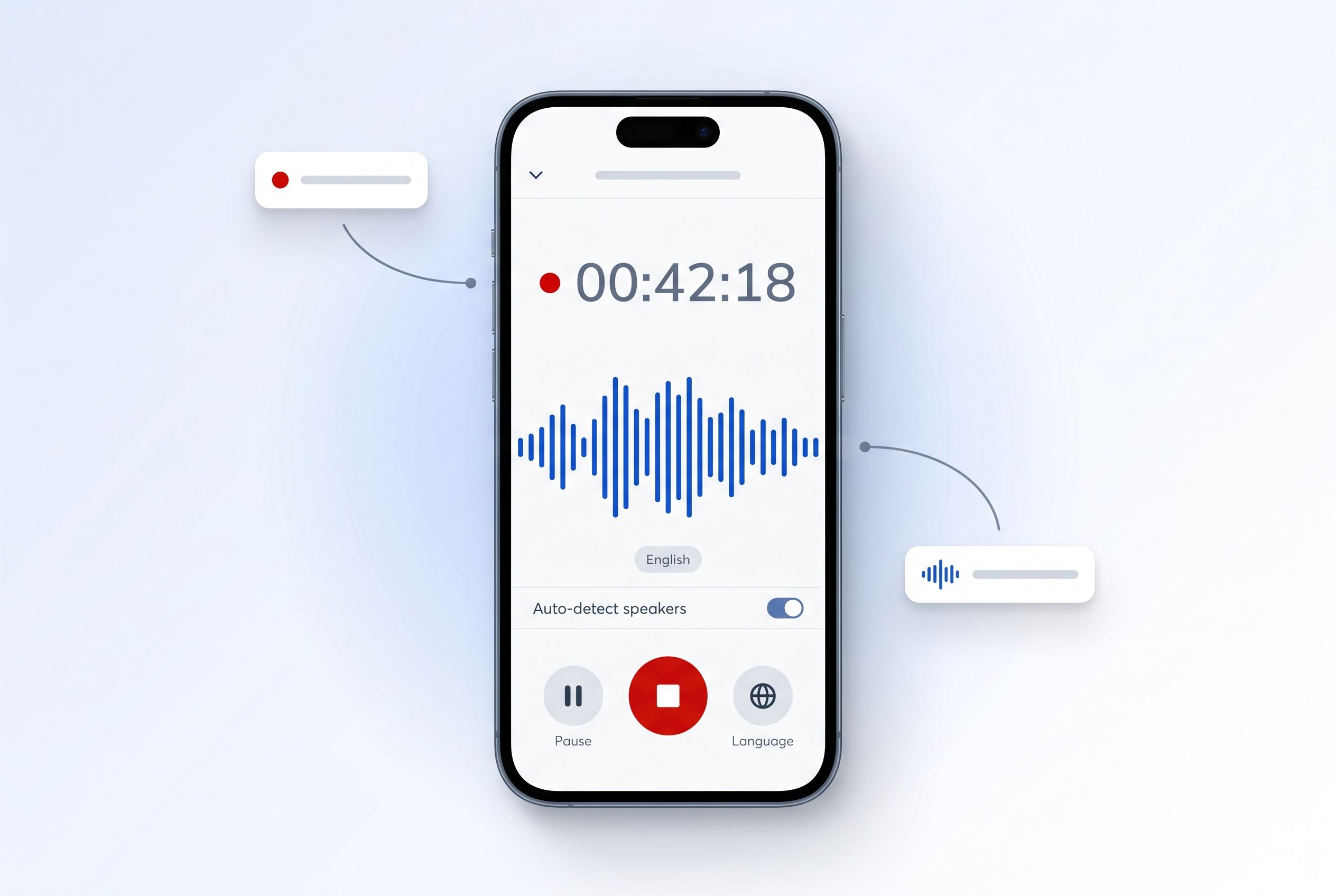
Record meetings, lectures, interviews, and voice memos straight from your phone. The HappyScribe mobile app transcribes your audio with AI in 150+ languages, and everything syncs to your workspace — record on the go, edit and export at your desk.
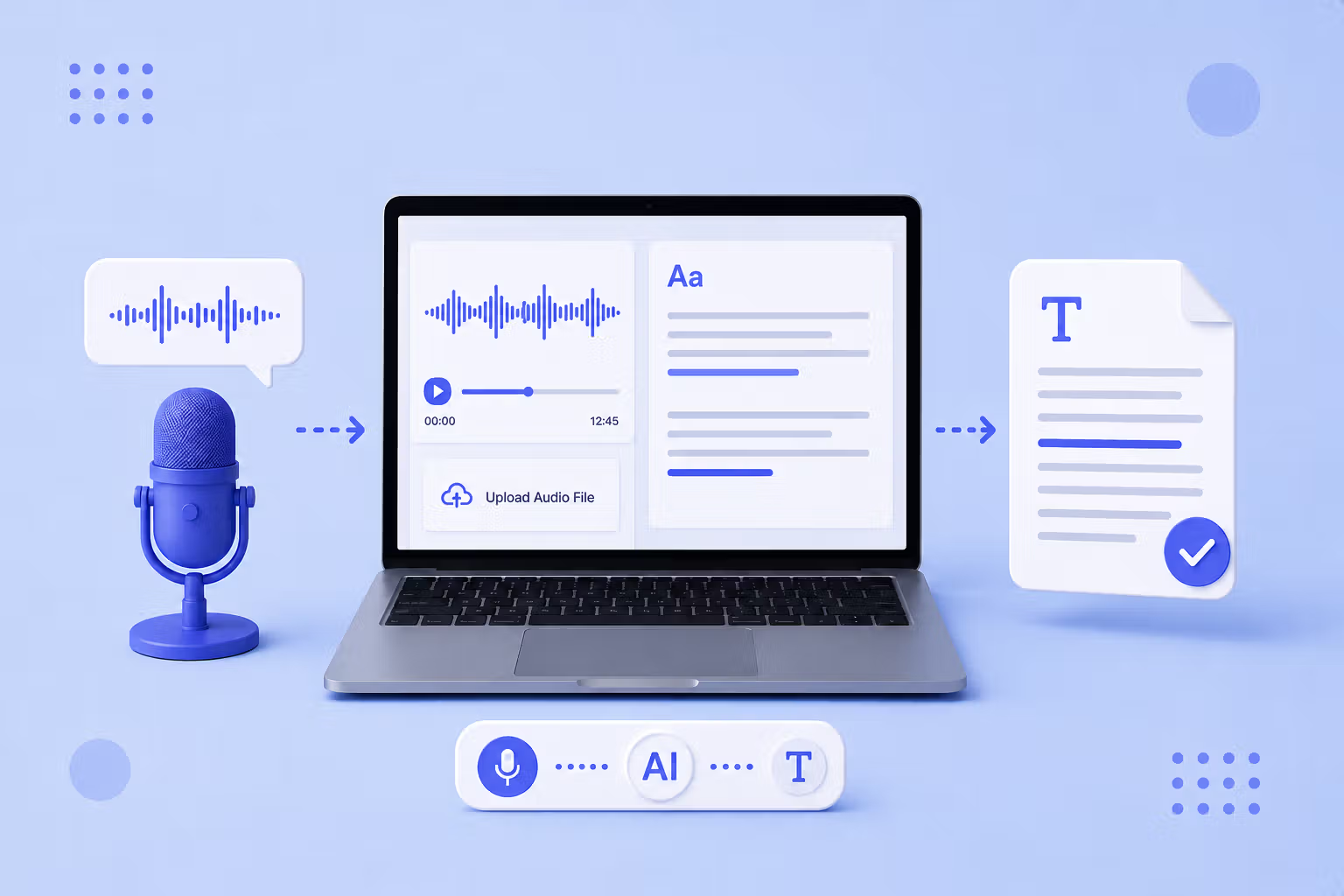
There are three main methods: do it manually, use automatic transcription software, or use a human transcription service. Manual transcription is free but time-consuming. HappyScribe offers the other two options. AI transcription is fast with near-perfect accuracy on clear audio. For perfect results, our human review service is performed by native linguists.
Yes, artificial intelligence can automatically convert audio recordings to text. HappyScribe uses advanced speech-to-text technology that generates high-quality transcriptions in minutes.
HappyScribe stands out for accuracy, ease of use, and advanced features. Our tool offers both automatic AI transcription and human review by native linguists for up to 99% accuracy. Unlike other solutions, we provide an online editor, speaker detection, multiple export formats, and support for 150+ languages. Plus, you can try our audio-to-text tool for free!
Partially! We offer a free trial for new users: your first 10 minutes of AI transcription are free, no credit card required. This lets you test our service quality before choosing between a subscription or pay-as-you-go pricing for longer recordings.
Accuracy depends on the method. Our AI transcription achieves up to 96% accuracy on clear audio in common languages. For perfect results, you can use our human transcription service by native linguists, with accuracy close to 99%. You can always edit the text using our online editor.
AI transcription is nearly instant: your text starts appearing seconds after uploading, with full processing in minutes. For maximum accuracy, human transcription is still fast, with delivery in hours to 24 hours depending on audio length. HappyScribe combines speed with reliability.
HappyScribe supports 45+ audio formats including MP3, WAV, M4A, AAC, WMA, OGG, and AIFF. You can also upload video files like MP4 or MOV to extract and transcribe the audio. If it contains spoken audio, we can convert it to text. No need to convert your file first — just upload it!
Once your audio is transcribed, you can export in multiple formats: TXT, DOCX, PDF, and subtitle formats (SRT, VTT). HappyScribe adapts to your needs, whether for reports, articles, subtitling, or Word processing.
Yes, HappyScribe lets you extract and convert audio from any video file (MP4, MOV, AVI, etc.) to text. Learn more about our video-to-text transcription tool.
I don't have the need for a lot of transcription, but when I do HappyScribe is the best source for me.
Reliable and quick with nice features for exports and review. I was super pleased with the results and quality. It wasn't perfect, but I was dealing with recordings that weren't particularly high quality themselves.
I have tested several sites and software but this is by far the best. And the new interface makes subtitle editing easier and faster. Great.
Great. Fast accurate reasonable price
It is easy to use, and it's useful app. For my videos it's important the subtitle, and with this app I complete the necessity.
Super software, flawless and economic, allowed me to subtitle and transcribe a training program last minute when I had 5 deaf ladies join my course out of the blue.
I used HappyScribe for transcription and the machine version. It was very accurate and also very cheap for what you get. Thanks a lot.
Excellent translation from English to Spanish and useful editing tools. You won't regret.
Great transcription software. And very user-friendly platform. It has completely changed the way we do transcriptions and subtitling jobs.
Explore the best free audio transcription tools in 2026, from free plans to secure free trials. Compare HappyScribe, Gladia, MacWhisper, and more.
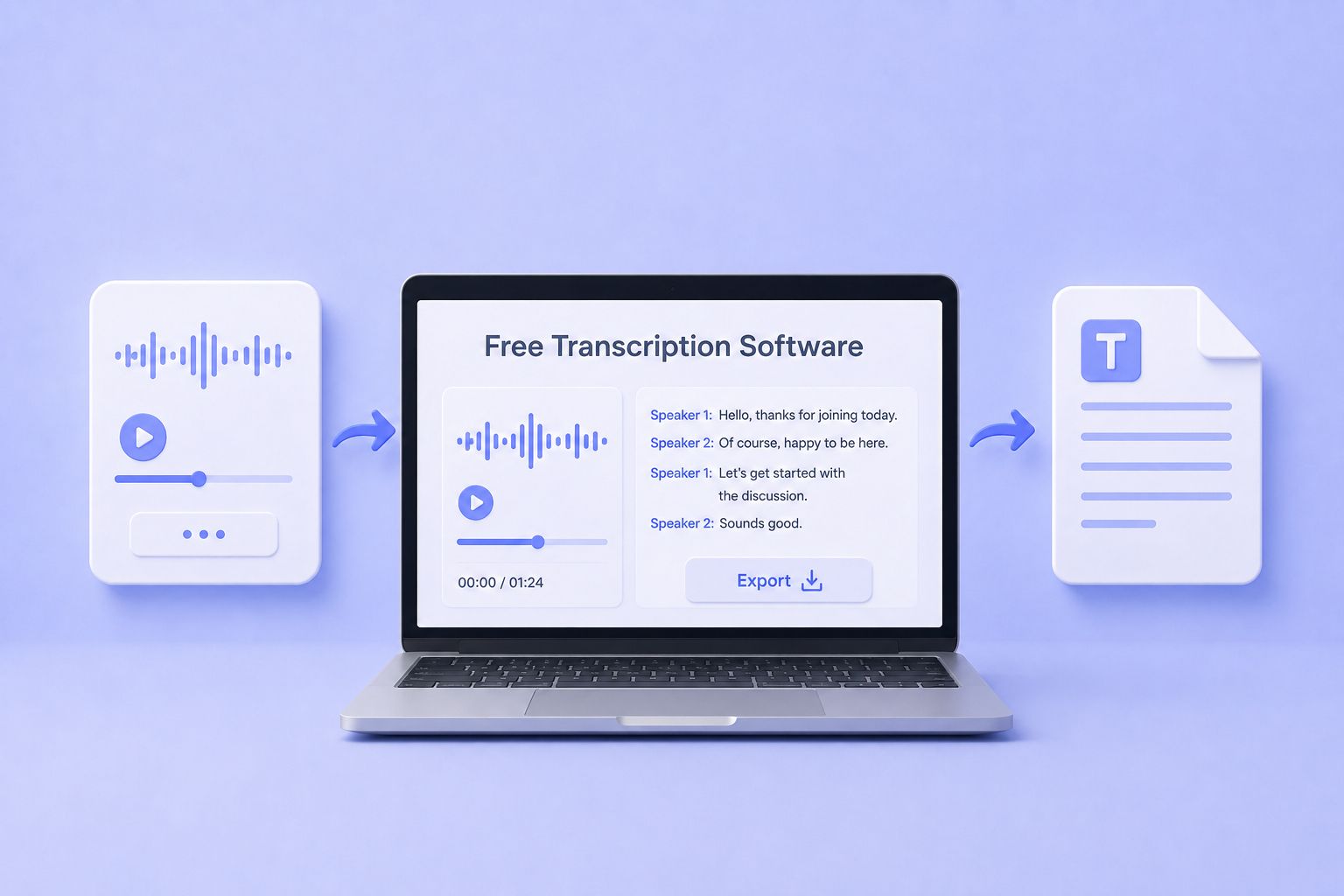
The best free transcription software for 2026, tested and ranked. Compare features, accuracy, and free plan limits across five top tools.<br>
Discover 5 easy ways to transcribe audio files to text in 2026. Compare AI tools, manual methods, and free options to get accurate transcriptions fast.

Discover the best transcription tools for European teams, from secure cloud platforms and human services to local Mac apps and APIs.
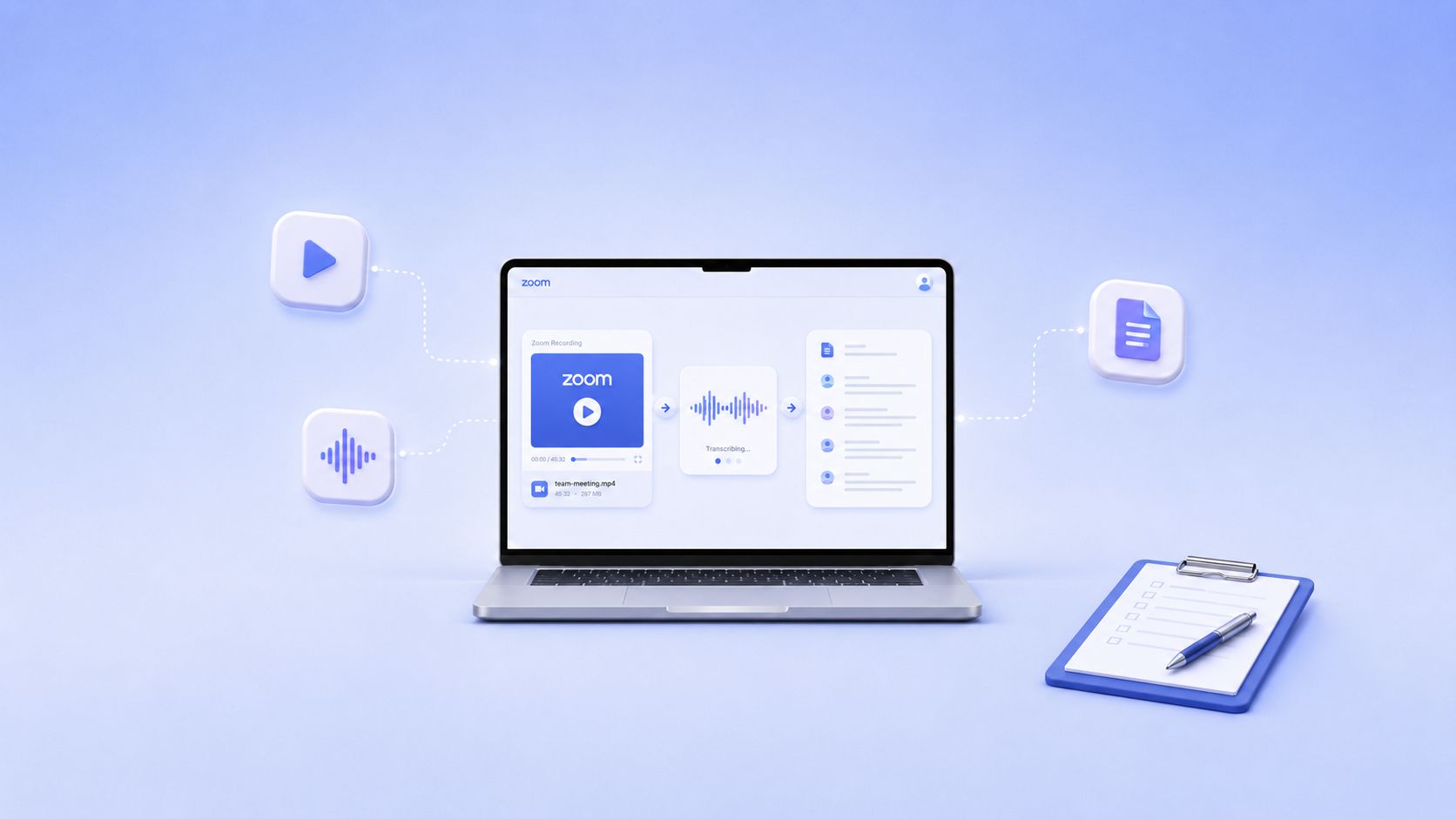
Learn how to turn local or cloud Zoom recordings into accurate text, then export transcripts as DOCX, PDF, TXT, SRT, or VTT.
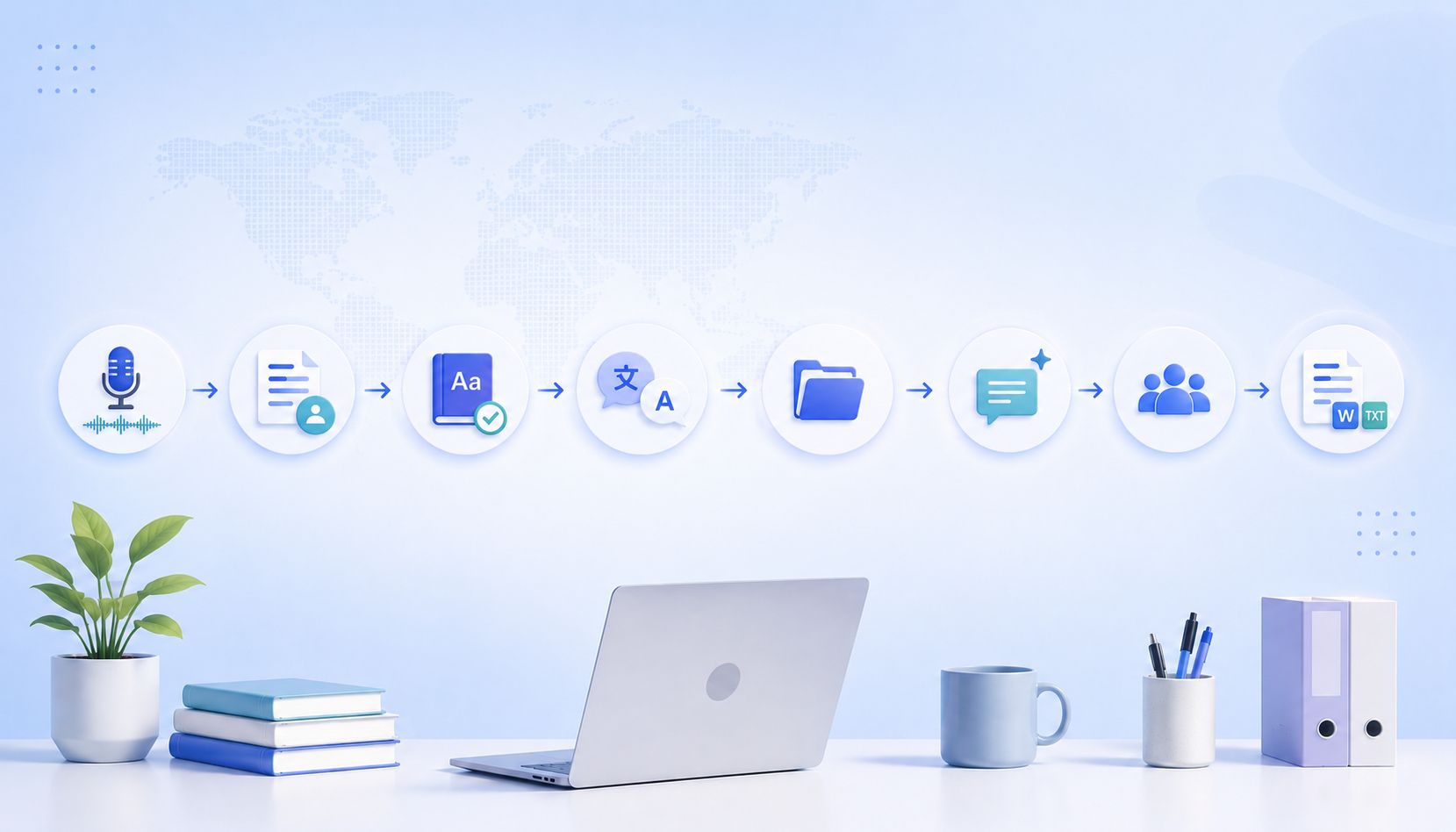
Turn raw interviews into accurate, analysis-ready transcripts with HappyScribe’s research workflow.