1. Upload je WMV-bestand
Sleep je WMV (of elk ander audiobestand, 45+ ondersteunde formaten), of plak een openbare link. Onze WMV-naar-tekstconverter detecteert automatisch de taal en maakt je bestand klaar voor transcriptie.
Zet je WMV-bestanden om in nauwkeurige teksttranscripten met onze geavanceerde AI-technologie. Geen registratie nodig - begin vandaag nog gratis met transcriberen.


Zet \WMV om naar tekst in meer dan 120 talen en dialecten, met automatische detectie van accenten en regionale variaties.
Onze AI levert tot 98% nauwkeurigheid bij transcripties, zodat je WMV-opnames schone, direct gebruiksklare transcripties worden.
Zet een 1 uur durend WMV-bestand in slechts een paar minuten om naar tekst — geen vertraging, geen wachttijd.
Elke WMV die je uploadt is beschermd met 256-bits SSL-versleuteling, voldoet aan GDPR en strikte privacynormen.
Sleep je WMV (of elk ander audiobestand, 45+ ondersteunde formaten), of plak een openbare link. Onze WMV-naar-tekstconverter detecteert automatisch de taal en maakt je bestand klaar voor transcriptie.
Onze krachtige speech-to-text-engine levert snelle, nauwkeurige transcripts — zelfs bij lange audiobestanden, lawaaierige opnames of verschillende accenten. De nauwkeurigheid ligt tussen 85% en 99%.
Download je tekst als TXT, DOCX, PDF, SRT of een ander formaat. Je kunt je transcript ook direct bewerken in onze interactieve editor.
Onze transcriptietechnologie levert tot 98% nauwkeurigheid bij het omzetten van \WMV naar tekst. In tegenstelling tot de meeste tools, die moeite hebben met achtergrondgeluid, sterke accenten of snel spreken, is HappyScribe getraind op realistische audio. Dat betekent dat je veel minder tijd kwijt bent aan het bewerken van transcripties en dat je erop kunt vertrouwen voor professionele toepassingen, van content publiceren tot het bijhouden van officiële dossiers.
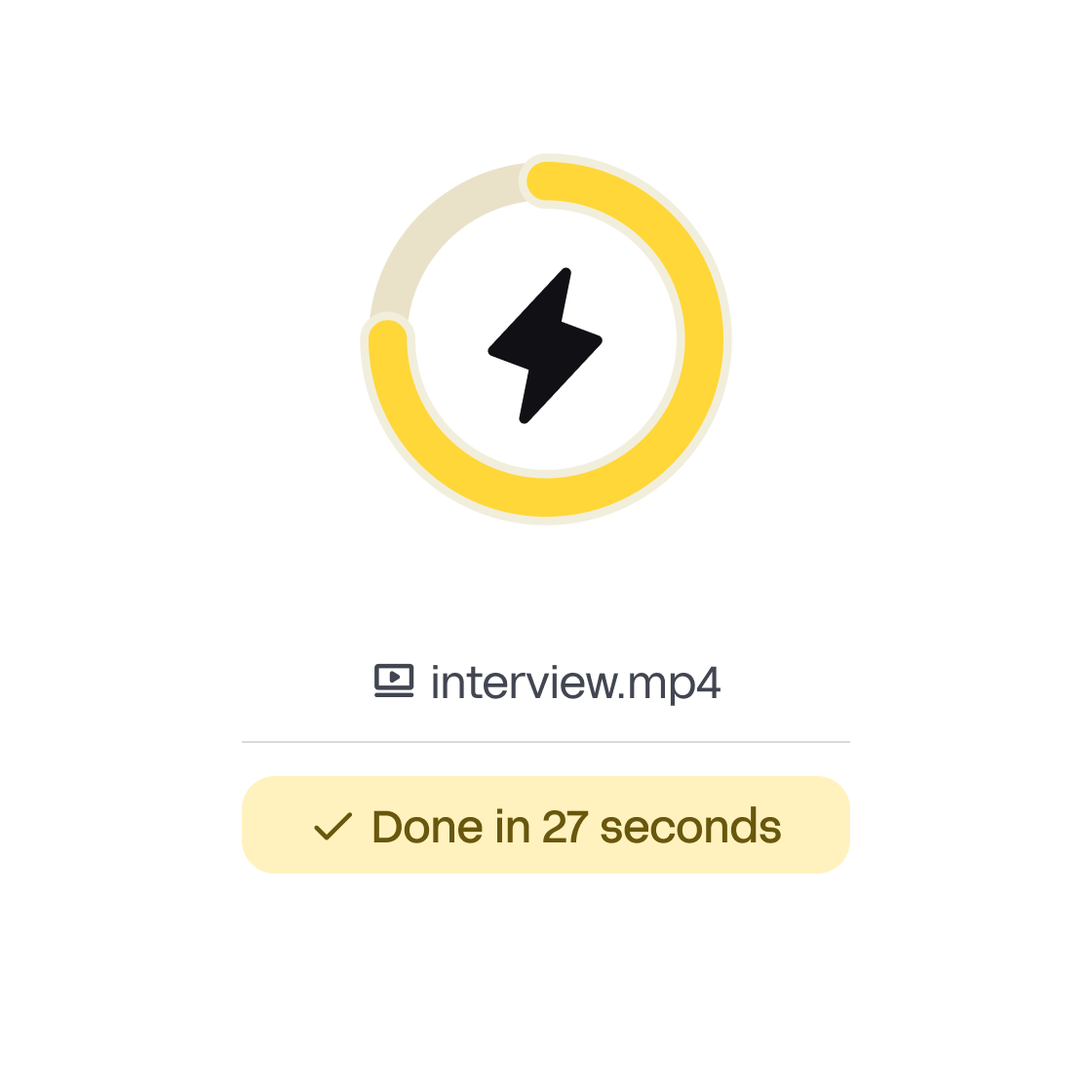
Handmatig transcriberen kost ongeveer 4–5 uur per uur audio. Met HappyScribe wordt een bestand van 1 uur WMV in slechts enkele minuten verwerkt. De AI begint meteen te werken na upload, zodat je je transcript bijna direct kunt downloaden. Of je nu een journalist met een deadline bent, een student die haast heeft met notities, of een zakelijk team dat vergaderingen vastlegt: snelheid maakt het verschil.
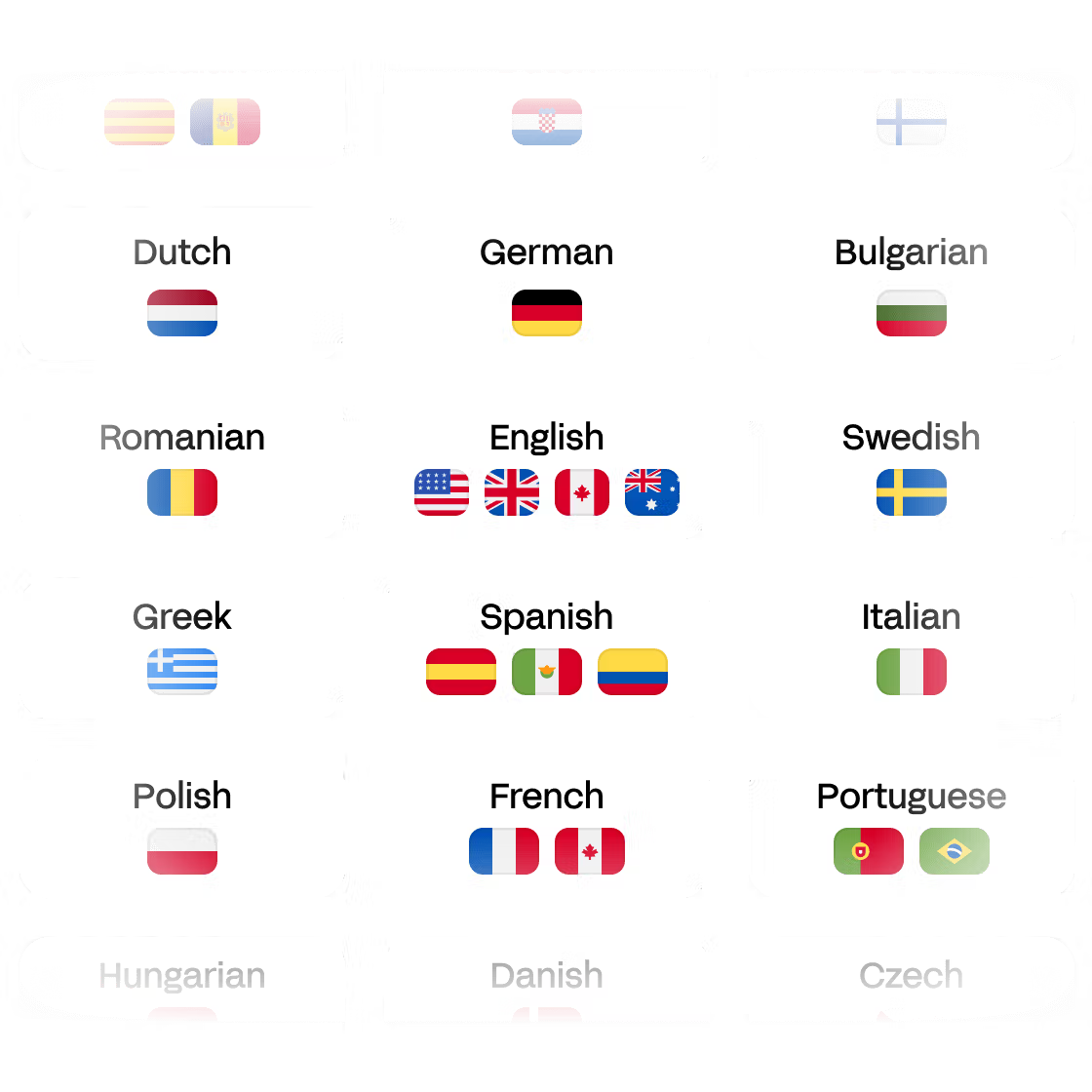
HappyScribe ondersteunt meer dan 120 talen en dialecten, waardoor het een van de meest inclusieve tools op de markt is. Je kunt een WMV-bestand uploaden in engels, spaans, frans, arabisch, mandarijn of tientallen andere talen, en het systeem detecteert de taal en maakt er automatisch een transcript van. Deze flexibiliteit is vooral waardevol voor internationale teams, wereldwijde contentmakers en onderzoekers die over grenzen heen werken.
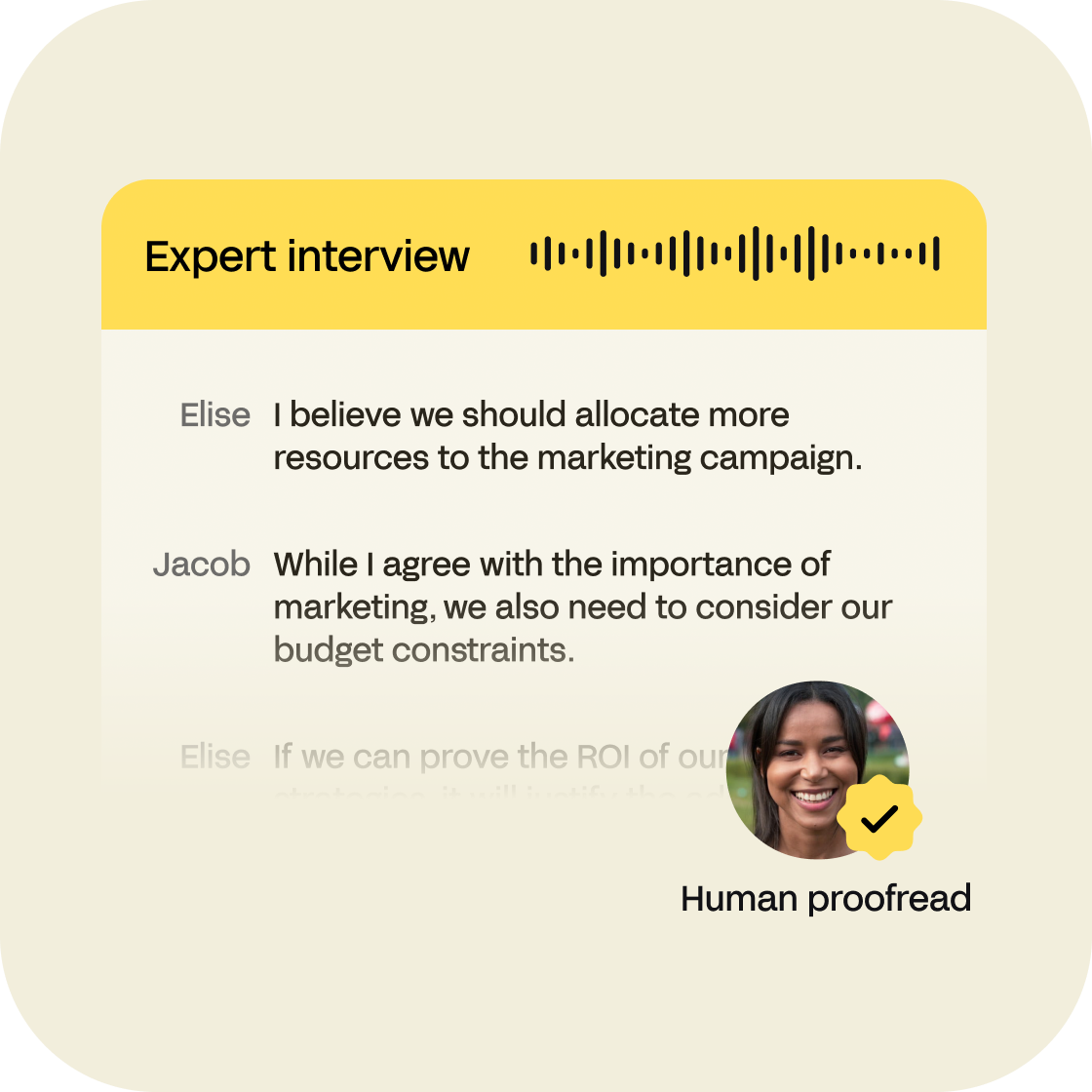
Ja, dankzij transcriptiediensten zoals HappyScribe kun je WMV naar tekst omzetten vanuit een audiofile. Met automatische spraakherkenningssoftware (ASR) kunnen we spraak uit elk audiobestand halen, ongeacht de bestandsgrootte, het formaat of de taal in de audio/video. Onze automatische transcriptiesoftware zet je WMV audiofiles binnen enkele minuten om in tekst met 85% nauwkeurigheid. Als je je transcripts binnen 24 uur door een mens nagelezen wilt hebben met 99% nauwkeurigheid, kun je kiezen voor onze menselijke transcriptiedienst. Als je videobestanden in een ander formaat wilt transcriberen, zul je blij zijn te horen dat dat ook mogelijk is! Transcriptiediensten zoals HappyScribe zijn een enorme vooruitgang ten opzichte van handmatige transcriptie.
Onze WMV automatische en menselijke transcriptiediensten hebben respectievelijk een nauwkeurigheid van 85% en 99%. Automatische transcription is veel sneller en werkt perfect wanneer je audio zo snel mogelijk naar tekstdocumenten wilt omzetten en het niet erg vindt het uiteindelijke transcript na te lezen. Aan de andere kant kan een professionele transcribent je transcripts binnen 24 uur leveren met 99% nauwkeurigheid.
Ja, dat doen we! Als je 99% nauwkeurigheid wilt, kies dan altijd voor onze menselijke transcriptieservice. Ons team van deskundige transcribenten levert je transcripts binnen 24 uur.
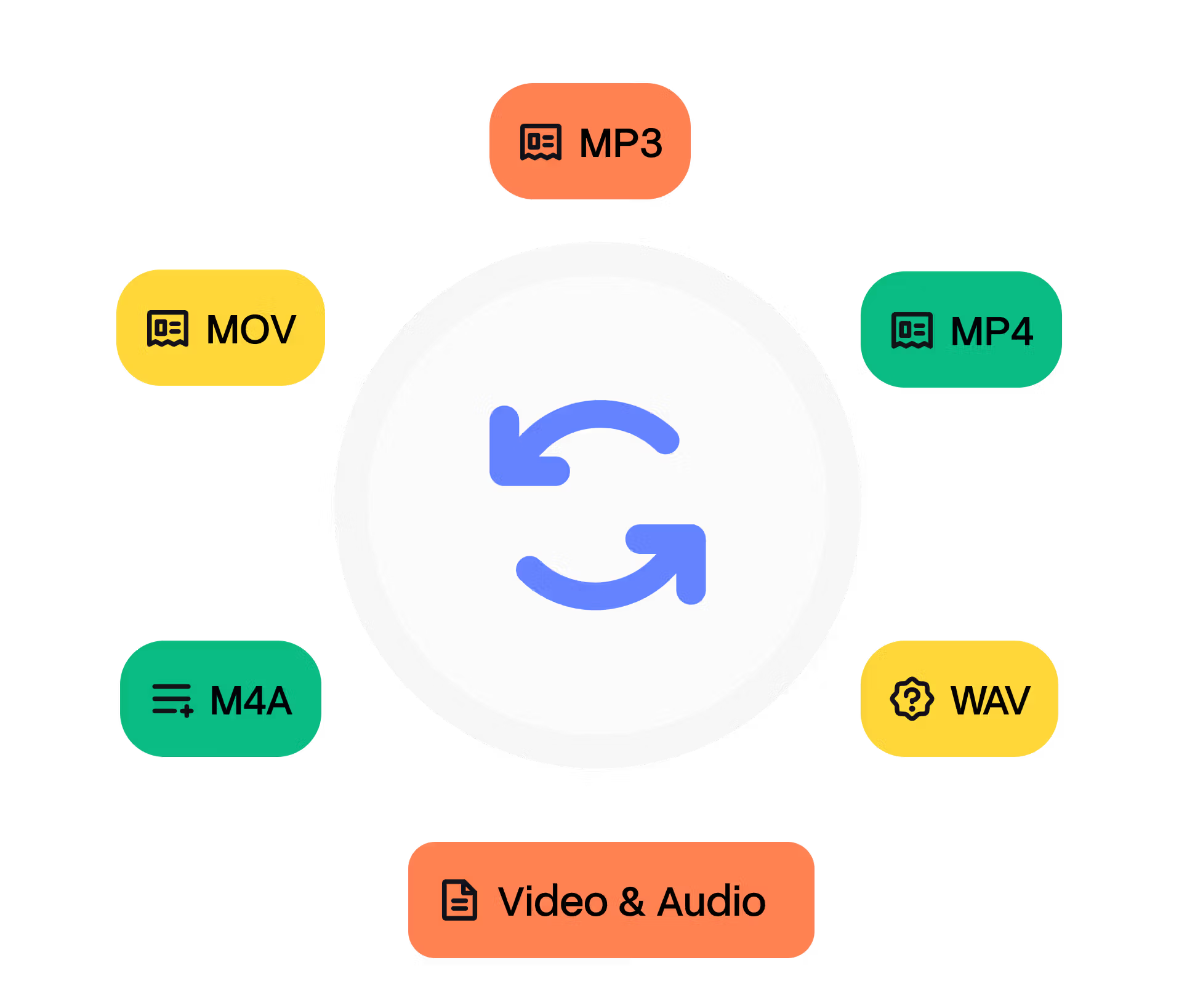
Je kunt je WMV-transcripts exporteren naar veel tekstformaten en ondertitelformaten, waaronder Plain Text (.txt), Microsoft Word (.docx), PDF (.pdf), SubRip (.srt), VTT... De export kan tijdcodes, markeringen en sprekernamen bevatten. We bieden ook een gratis converter voor ondertitelbestanden en een gratis transcripteditor. Daarnaast, fijn om te weten: je kunt niet alleen WMV uploaden, maar ook andere video- en audioformaten zoals wav, mov, ogg, wma...
Ja! We bieden een gratis proefperiode van 10 minuten zodat je je \WMV-bestanden kunt uploaden en de kwaliteit van onze spraakherkenningsengine kunt uitproberen. Zodra je je transcript ontvangt, kun je onze online teksteditor gebruiken om te proeflezen en spelfouten of andere fouten te corrigeren. Ons platform is gebruiksvriendelijk en je zult zien dat het heel makkelijk is om onze online tools te gebruiken. Na deze gratis proef kun je genieten van een van de meest betaalbare prijsplannen in de sector.
Je kunt je WMV transcriberen in meer dan 120 talen, dialecten en accenten. Daarnaast bieden we ook een vertaaldienst voor je audiotranscripties. We bieden ook menselijke transcripties in het engels, spaans, frans en duits.
Ja, natuurlijk! We ondersteunen het importeren van Audio bestanden vanuit veel services zoals Google Drive, Dropbox, Wistia, Vimeo en Youtube.
"Great software. Saves a lot of time!"
"I'm just starting a podcast and the transcript was invaluable in helping me create notes to go along with the video. The accuracy was better than I expected. It was helpful to also have the timecode noted. I highly recommend this product."
"US English transcription is better than expected. Punctuation works and editing those parts that need correction works like a charm."
"The quality of the transcription is high and I am very astonished de cette quality compared with the one of other tools!"
"Excellent just could cost a little less for countries with weak currency like mine"
"Super helpful service! I had a video that I didn't have time to manually add subtitles to and this solved it for me! HappyScribe works really well and I will use it again whenever I need subtitles!"
"Tried HappyScribe after wasting time with Rev. HappyScribe was far more accurate and their editor is great."
"Great software. Saves a lot of time!"
"I'm just starting a podcast and the transcript was invaluable in helping me create notes to go along with the video. The accuracy was better than I expected. It was helpful to also have the timecode noted. I highly recommend this product."
"US English transcription is better than expected. Punctuation works and editing those parts that need correction works like a charm."
"The quality of the transcription is high and I am very astonished de cette quality compared with the one of other tools!"
"Excellent just could cost a little less for countries with weak currency like mine"
"Super helpful service! I had a video that I didn't have time to manually add subtitles to and this solved it for me! HappyScribe works really well and I will use it again whenever I need subtitles!"
"Tried HappyScribe after wasting time with Rev. HappyScribe was far more accurate and their editor is great."
"Tried HappyScribe after wasting time with Rev. HappyScribe was far more accurate and their editor is great."
"Super helpful service! I had a video that I didn't have time to manually add subtitles to and this solved it for me! HappyScribe works really well and I will use it again whenever I need subtitles!"
"Excellent just could cost a little less for countries with weak currency like mine"
"The quality of the transcription is high and I am very astonished de cette quality compared with the one of other tools!"
"US English transcription is better than expected. Punctuation works and editing those parts that need correction works like a charm."
"I'm just starting a podcast and the transcript was invaluable in helping me create notes to go along with the video. The accuracy was better than I expected. It was helpful to also have the timecode noted. I highly recommend this product."
"Great software. Saves a lot of time!"
"Tried HappyScribe after wasting time with Rev. HappyScribe was far more accurate and their editor is great."
"Super helpful service! I had a video that I didn't have time to manually add subtitles to and this solved it for me! HappyScribe works really well and I will use it again whenever I need subtitles!"
"Excellent just could cost a little less for countries with weak currency like mine"
"The quality of the transcription is high and I am very astonished de cette quality compared with the one of other tools!"
"US English transcription is better than expected. Punctuation works and editing those parts that need correction works like a charm."
"I'm just starting a podcast and the transcript was invaluable in helping me create notes to go along with the video. The accuracy was better than I expected. It was helpful to also have the timecode noted. I highly recommend this product."
"Great software. Saves a lot of time!"