
Upload your video
Import an MP4, MOV, AVI, MKV, or paste a YouTube, Vimeo, or TikTok link. HappyScribe supports 60+ video file formats.
Create subtitles in seconds using AI, brand-kit styling, and support for more than 150 languages. Start free and reach wider audiences.


Import an MP4, MOV, AVI, MKV, or paste a YouTube, Vimeo, or TikTok link. HappyScribe supports 60+ video file formats.
Select the source language and let our AI subtitle generator create perfectly timed captions.
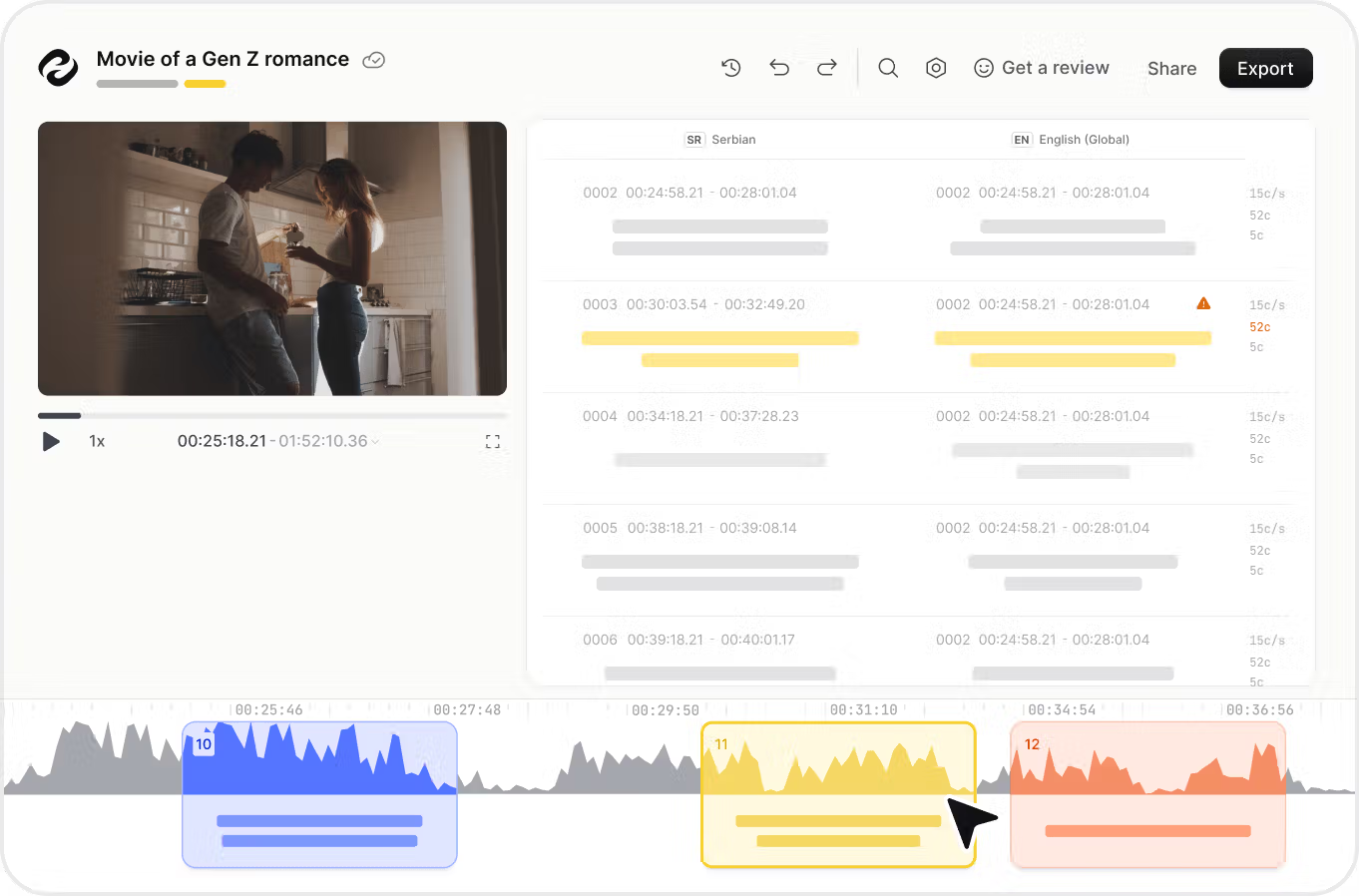
Fine-tune wording, use our video-editing features to adjust timing on the waveform, choose fonts or animations, then export an SRT, VTT or STL file or burn subtitles straight into your video.
Use Happy Scribe’s AI tools to auto-generate subtitles in 120 + different languages and dialects. Instantly translate captions, export SRT or VTT files, and publish to YouTube, Instagram, LinkedIn, TikTok, and every other social media channel. Make every piece of video content accessible to a worldwide audience without extra video-editing work.
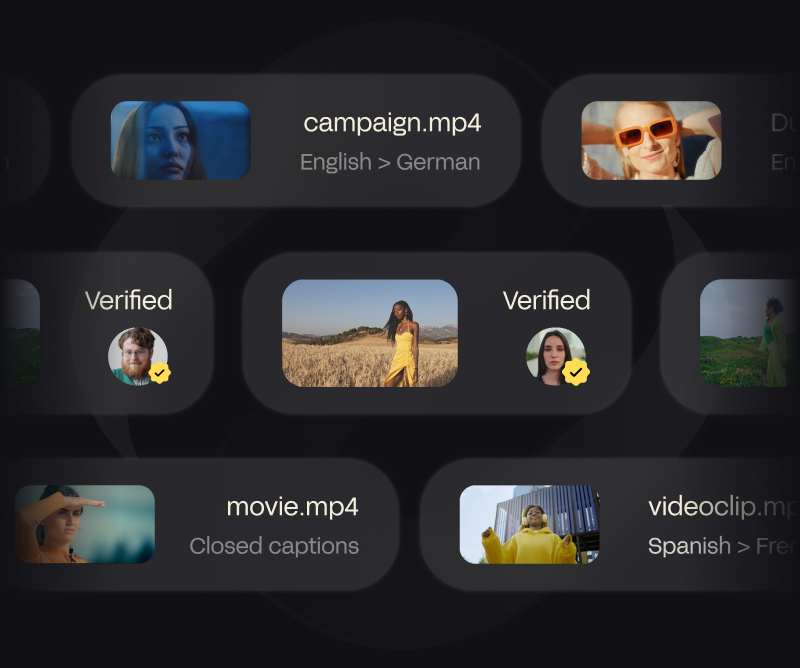
Adding accurate subtitles keeps viewers watching longer even on mute-first feeds. Generate subtitles automatically, customize fonts, colors, and on-screen animations, then burn them into your video file with a single click. Highlight key moments, clarify your message, and raise click-through rates across all social media.
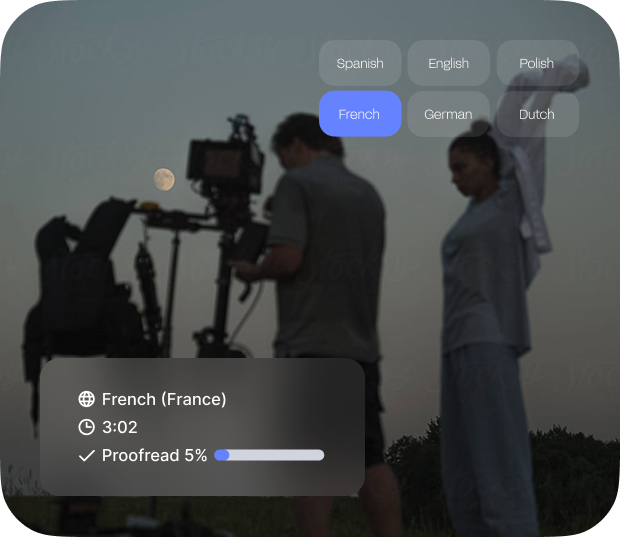
Turn speech into SEO-friendly text with our automatic subtitle generator. When you add subtitles, search engines can index every spoken word, helping your videos appear in more searches. Export clean transcripts, add them to your description, or burn captions directly into the MP4.
CPS allows you to ensure that your viewers have time to read the subtitles.
By providing the starting timestamp, you can decide when the subtitles start.
We provide exports in SRT, VTT, STL, TXT, Final Cut Pro, AVID, Premiere, and more.
Collaborate and share your subtitles in view-only or edit mode.
See subtitles in real time and check their position with the soundwave.
Create spaces for you to share your files with the rest of your team.
Seamlessly integrate with your favorite social media platforms, video editors and more.
Break language barrier and translate your subtitle files in +60 languages.
Our user-friendlysubtitle editor let you edit your subtitles and make them match your audience in minutes.
Subtitles are text originating from a dialog or commentary transcript or screenplay in movies, TV shows, video games, and the like, generally shown at the bottom of the screen, but may also be at the top of the screen if the text at the bottom of the screen is already present.
By using HappyScribe's automatic subtitle generator you will be able to generate subtitles in 150+ languages. Just upload or add a link to your video and our subtitling software will extract the speech from your video file and convert it into subtitles with 85% accuracy.
HappyScribe offers both free trials and paid plans. You can test the subtitle generator for free and upgrade for more features or longer videos.
Yes! HappyScribe includes an easy-to-use online subtitle editor that lets you adjust timing, text, and formatting before exporting your final subtitles.
The automatic subtitles are up to 85-95% accurate. For professional results, you can choose human-made subtitles with up to 99% accuracy.
Adding subtitles improves video accessibility, boosts engagement, increases watch time, and helps your content reach global audiences.
Yes, all video and audio files are securely stored and processed using industry-standard encryption and data privacy practices.
Using AI for subtitling makes everything so much easier and faster. Instead of spending hours manually adding subtitles, AI does the heavy lifting for you in minutes. You’ll get accurate subtitles with minimal editing needed, saving you tons of time. Plus, with AI, translating your subtitles into more than a 100 languages is just a few clicks away, helping you connect with a global audience. Besides that, you can easily customize your subtitles; tweak the font size, add position, and more - and make everything look polished and professional, all in a fraction of the time.
This is my first time using closed captions on my YouTube video when I met HappyScribe. Before is very frustrating. Now is fun.
I was amazed because he transcribed my interview done abroad automatically indicating who was speaking and what he was saying with indication of the timecodes and with a faithful translation. I have saved hours of work.
Simply the absolute best voice-to-text software I have experienced.
I tested several online transcriptions and this is the best! Fast and good transcriptions. I love the look and feel. I recommend :)
Excellent translation from English to Spanish and useful editing tools. You won't regret.
It's super easy to use. Even with their automated transcription and translation from audio, they are 90% correct. Workflow is very easy to understand and the price rate is very reasonable even for a small creator with a budget
The app is easy and very useful. Thank you HappyScribe
An essential tool in the researcher's toolbox.
I am really happy for HappyScribe. It's fast and mistakes done on transcription are nothing compared to other programs. It's great to add subtitles straight away to the movie or export if I want.
Discover the 5 best subtitle generators in 2026: HappyScribe, Veed, Canva, Sonix and Descript. Compare features, pricing, languages, accuracy to choose yours.

Your subtitles need to be readable and perfectly synced with the video and perfectly follow the reading skills of your audience. For example, you don't make subtitles for adults the same as subtitles for children.

Subtitling for e-learning improves accessibility and comprehension by providing a text version of audio content. It involves transcribing, timecoding, editing, and formatting captions, syncing them with visual content. This process enhances learning experiences and ensures inclusivity for all learners.

Advanced captioning is revolutionizing the language industry by providing accurate and real-time translations of spoken content into text form. This technology is benefiting various sectors, including media, education, and accessibility services, by making audio and video content more inclusive and accessible to a wider audience.