
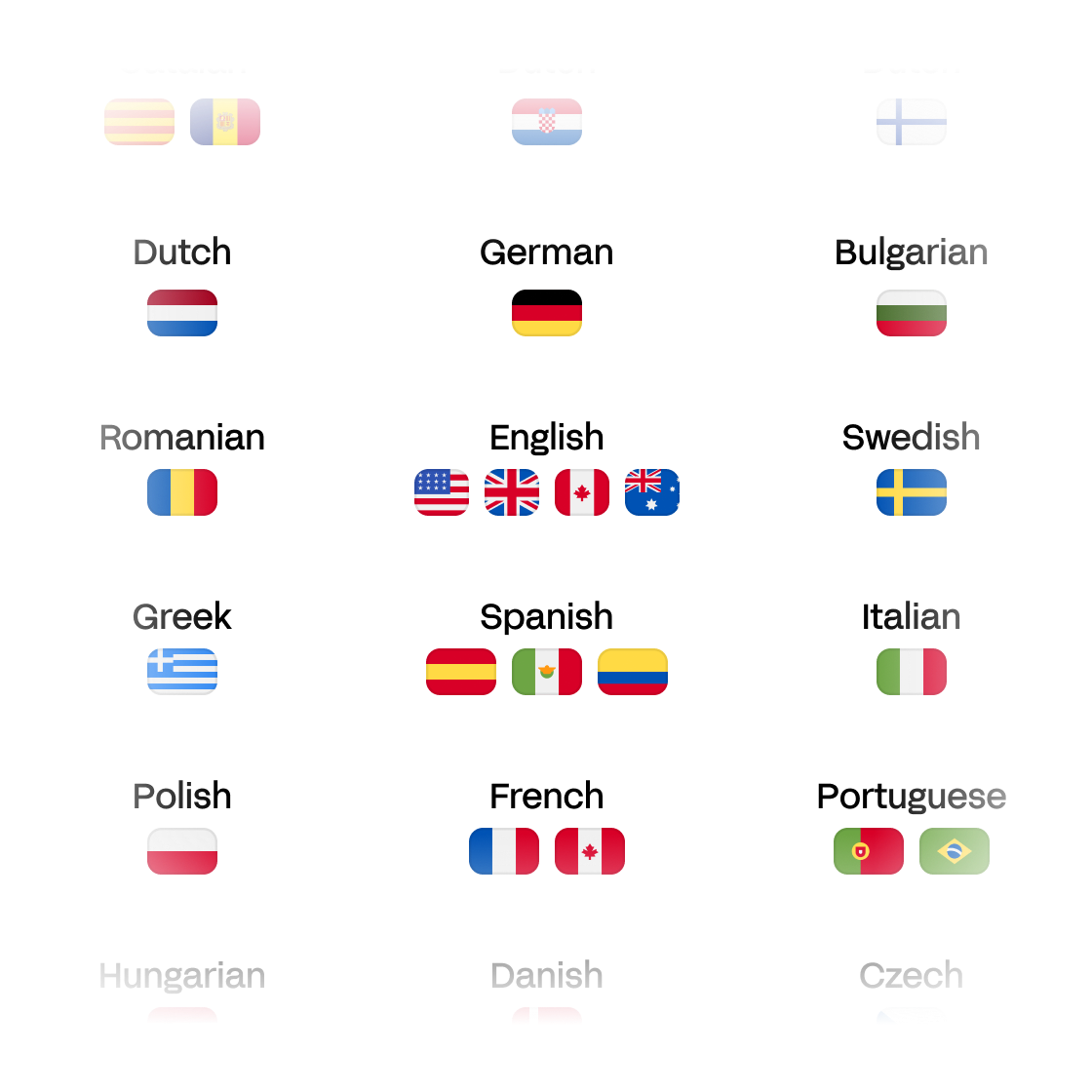
Built for global scale
Video translation available from and to Japanese, Portuguese, Hindi, French, Arabic, German, Chinese, Spanish, English, and more!
Reach global audiences in minutes. No editing skills required. Start for free.


Used by creative teams at BBC, Skydance, Mediawan, Spotify and 40,000+ brands.
Video translation available from and to Japanese, Portuguese, Hindi, French, Arabic, German, Chinese, Spanish, English, and more!
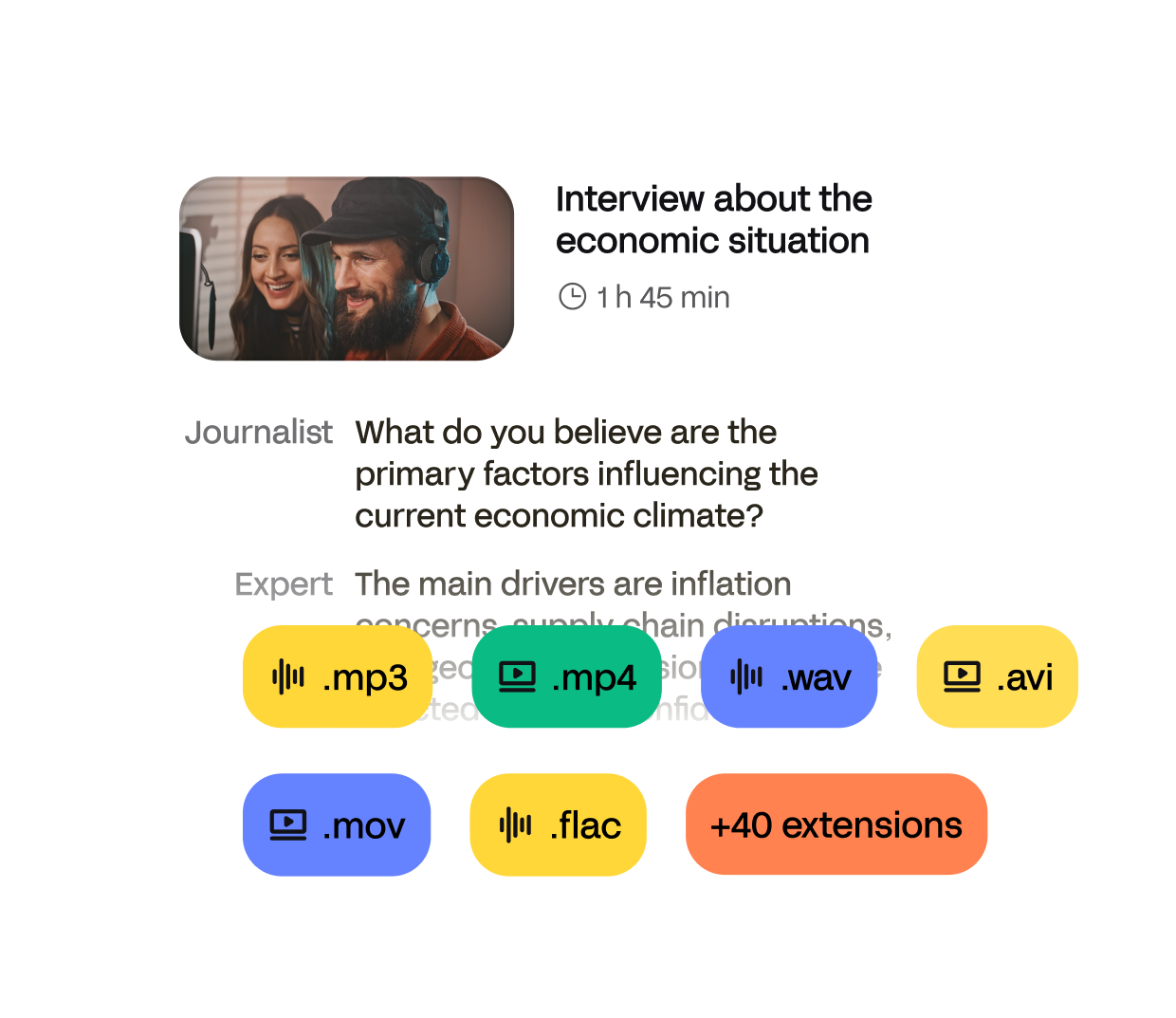
Upload your video, select a language, and translate your video with ease.
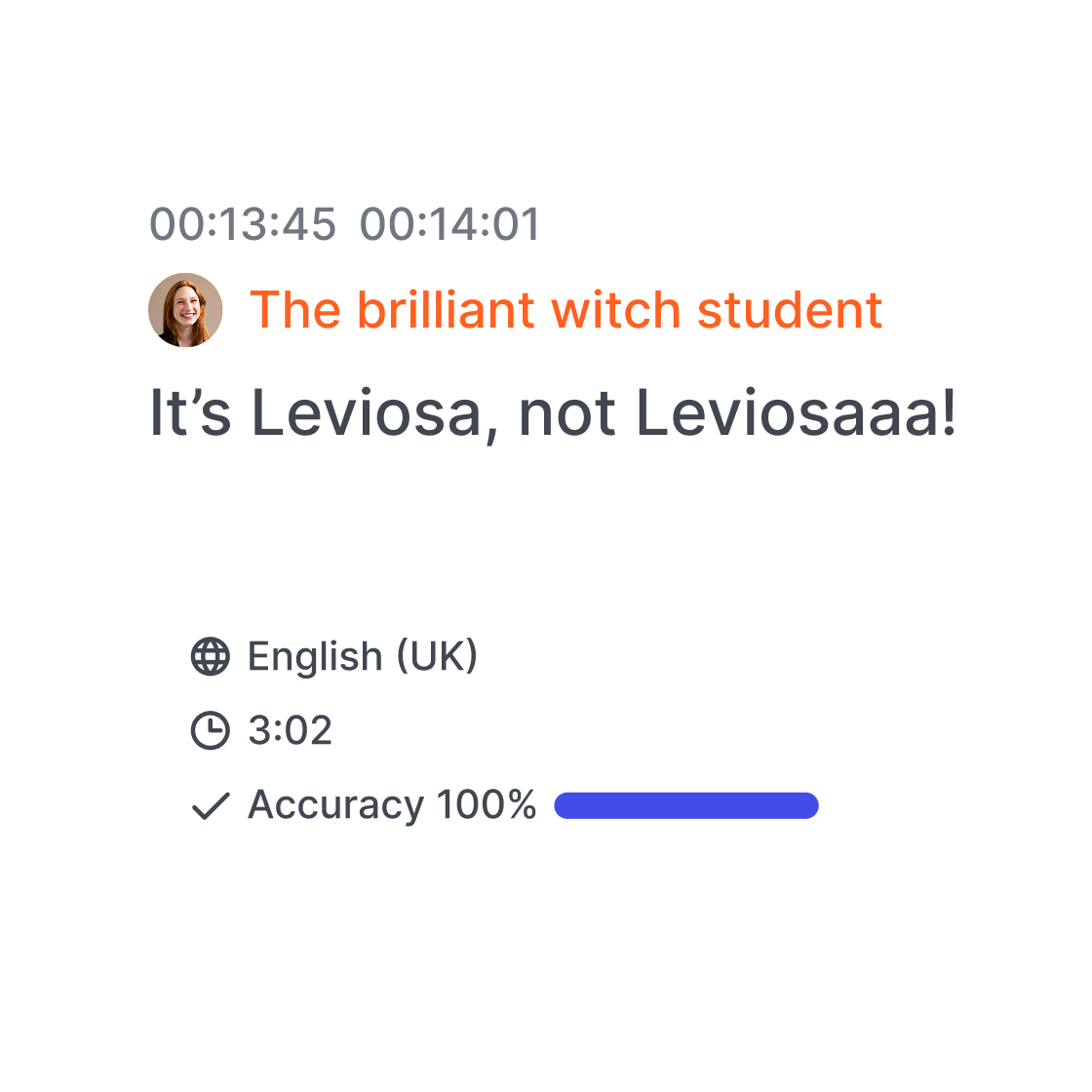
Ask the help of our experts to translate your video with 99% accuracy.
Import it from your computer, YouTube, Google Drive, or Dropbox. The first 10 minutes are free.
Choose the original language of your video and the target language you want to translate it into including from and to English, Spanish, French, German, Hindi Japanese, Arabic, Chinese, Portuguese.
Receive your subtitles or transcript in minutes (or within a day for human-made) & download in SRT, TXT, or burn subtitles into your video.
Break through language barriers and make your content accessible to viewers everywhere. With HappyScribe, you can connect with global audiences in just a few clicks.
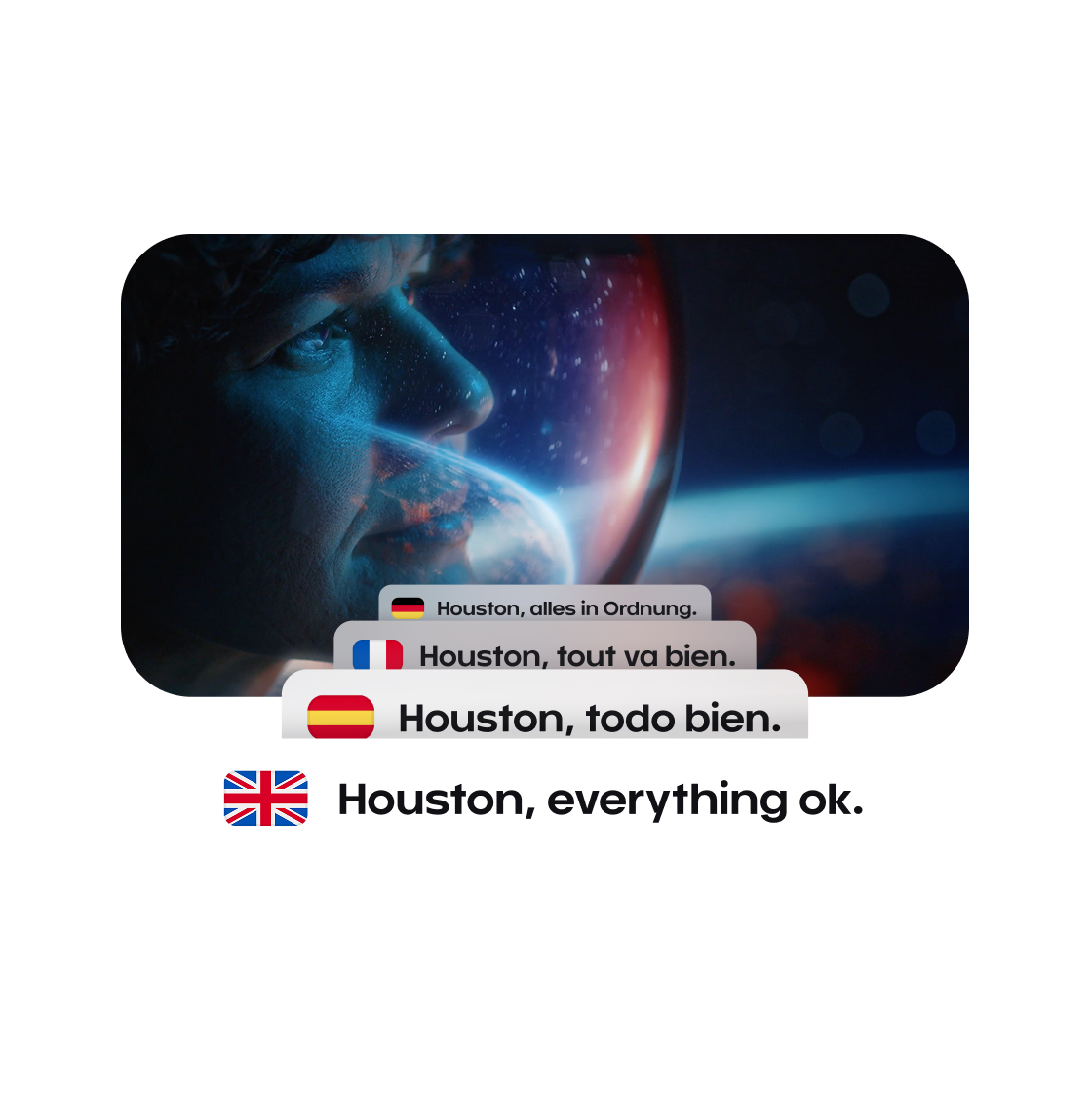
From auto-generated subtitles to precise translations and translated transcripts, everything is in one seamless platform. Whether you’re localizing a short clip or a full documentary, we’ve got you covered.
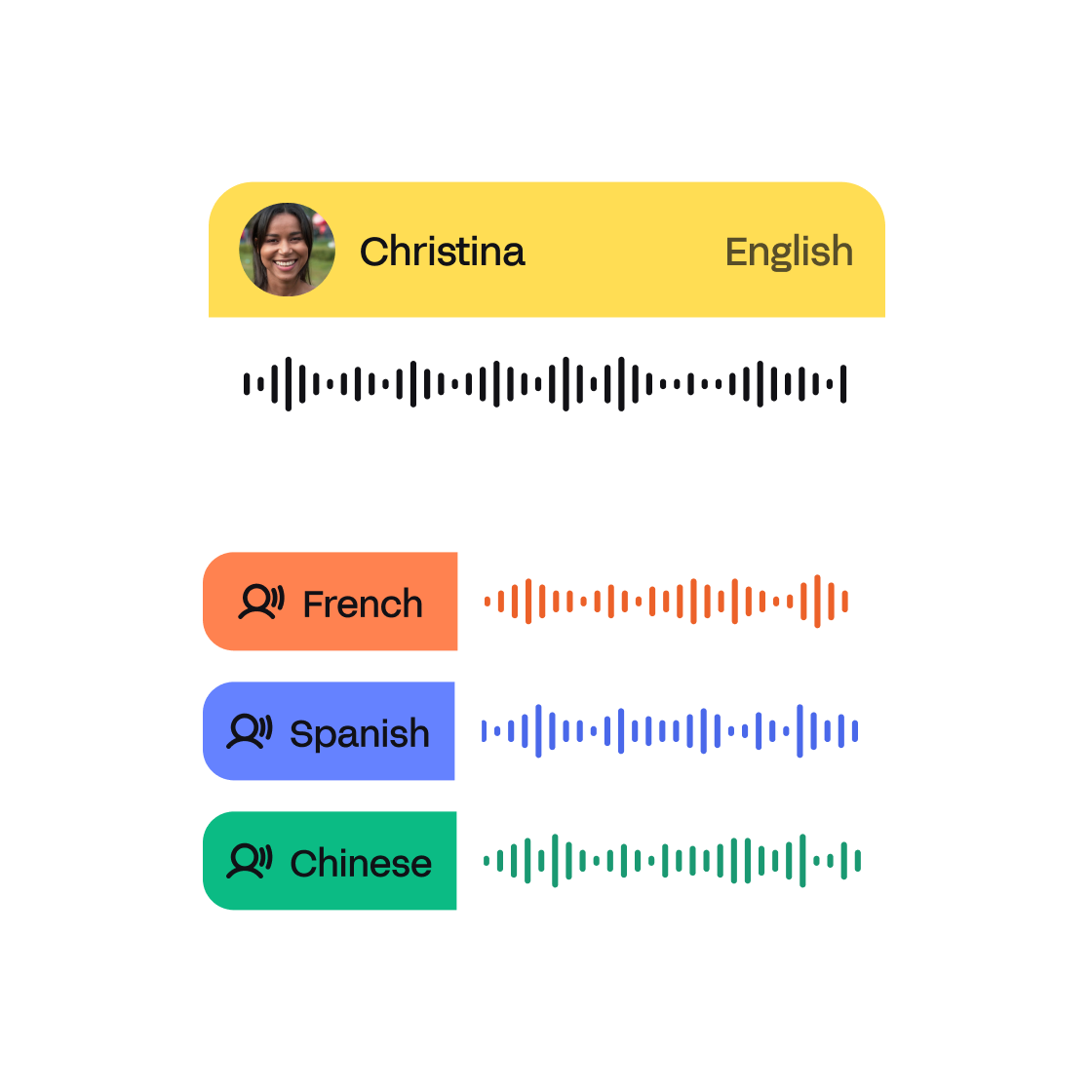
Our AI delivers fast, accurate results—perfect for tight turnarounds. And when quality matters most, our expert linguists step in to refine every word, tone, and nuance.
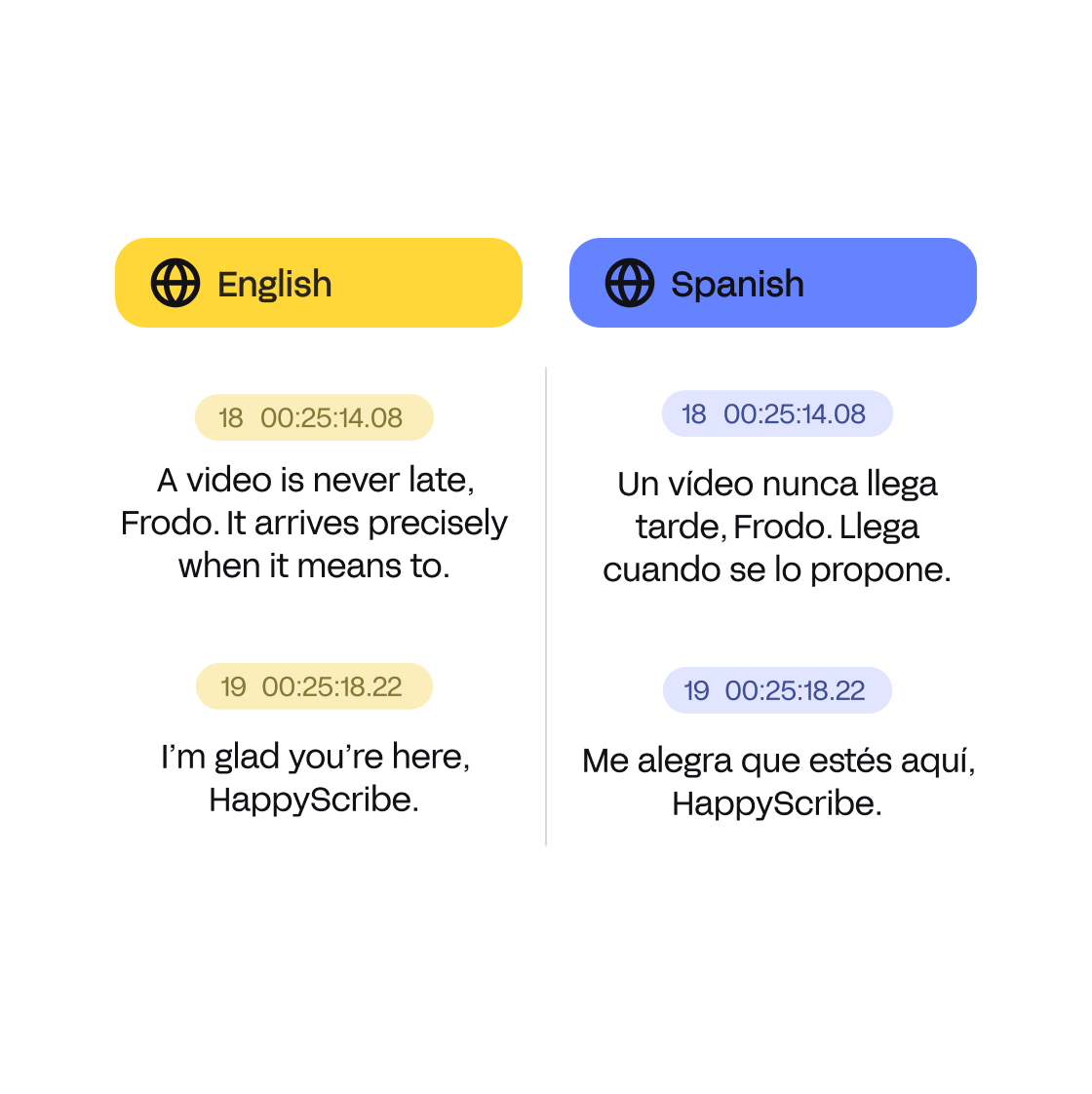
Yes! HappyScribe lets you translate the first 10 minutes of your video for free. No credit card required. You can try subtitles or transcription in 150+ languages.
Google Translate can’t directly translate video files. You’d need to extract subtitles or transcripts first, something HappyScribe can automate, and then paste the text into Google Translate. With HappyScribe, you skip all that and get a full video translation in one step.
The best tools combine speed, accuracy, and export flexibility. HappyScribe offers automatic video translation with 85%+ accuracy, support for 150+ languages, and export options like SRT, VTT, and hardcoded subtitles — all in one place.
HappyScribe is trusted by 1 million+ users worldwide for accurate, AI-powered video translation. You can also upgrade to human-made translations with 99% accuracy, perfect for professional content.
With our human transcription service, 1-hour files can be processed in less than 24 hours. If you choose automatic transcription, transcribing a 1-hour file can take minutes. Once you receive the transcripts, you can translate the text from your user dashboard. Translation will take some seconds, as everything is automatic.
Simply upload your video to HappyScribe, choose the original language, and set English as your target. Our system will automatically transcribe and translate it for you.
AI dubbing uses artificial intelligence to translate and revoice spoken audio in a video. While HappyScribe focuses on subtitles and transcripts, you can export the translated script for voiceover production.
Yes! HappyScribe offers a powerful subtitle editor where you can edit text, adjust timing, format captions, and even choose subtitle styles before exporting.
Absolutely. HappyScribe supports custom subtitle positioning and burning subtitles into videos — perfect for TikTok, Instagram, YouTube, and LinkedIn formats.
HappyScribe can detect multiple speakers and languages, and you can edit transcripts to label or split parts manually for multilingual accuracy.
Amazing AI service. Very accurate text. 5 star experience and very handy tool to user for transcription! So happy that these guys created this.
I love HappyScribe, it makes subtitling so much easier.
I have used the automatic feature and it has saved me so much time and annoyances. Works better than I would have ever expected!
Saves time, however I wish they had better understanding of different accents speaking English
Fab service - reasonable pricing and good result.
Great tool to add text to video. It worked like a dream.
I needed to make a transcription on more than 20 videos and HappyScribe made me do this very fast!
Wonderful application. Made my transcription work less daunting.
I like HappyScribe because it's very user friendly, easy to run. I can buy only one hour, I have no obligation to pay each month, I pay when I need to use HappyScribe.

In this article we explain the differences between adapting and translating your subtitles. Find out what works best for your audiovisual content!

In today's digital era, translating Zoom recordings is vital for global reach. Using tools like Happy-Scribe, this process is now seamless, ensuring effective communication across diverse audiences.

In today's digital era, translating subtitles in Zoom recordings promotes inclusivity. Discover how to achieve this step-by-step with HappyScribe and other tools.

For global businesses, Zoom's language interpretation feature bridges communication gaps, ensuring all participants understand meetings seamlessly.

Exploring Vimeo's global reach, this article delves into the importance of video translations, subtitles, and quality captioning for content creators worldwide.

Explore the 5 best audio translator tools in 2026, including HappyScribe, VEED, DeepL Voice, and more, for accurate and secure multilingual audio translations