Upload your video
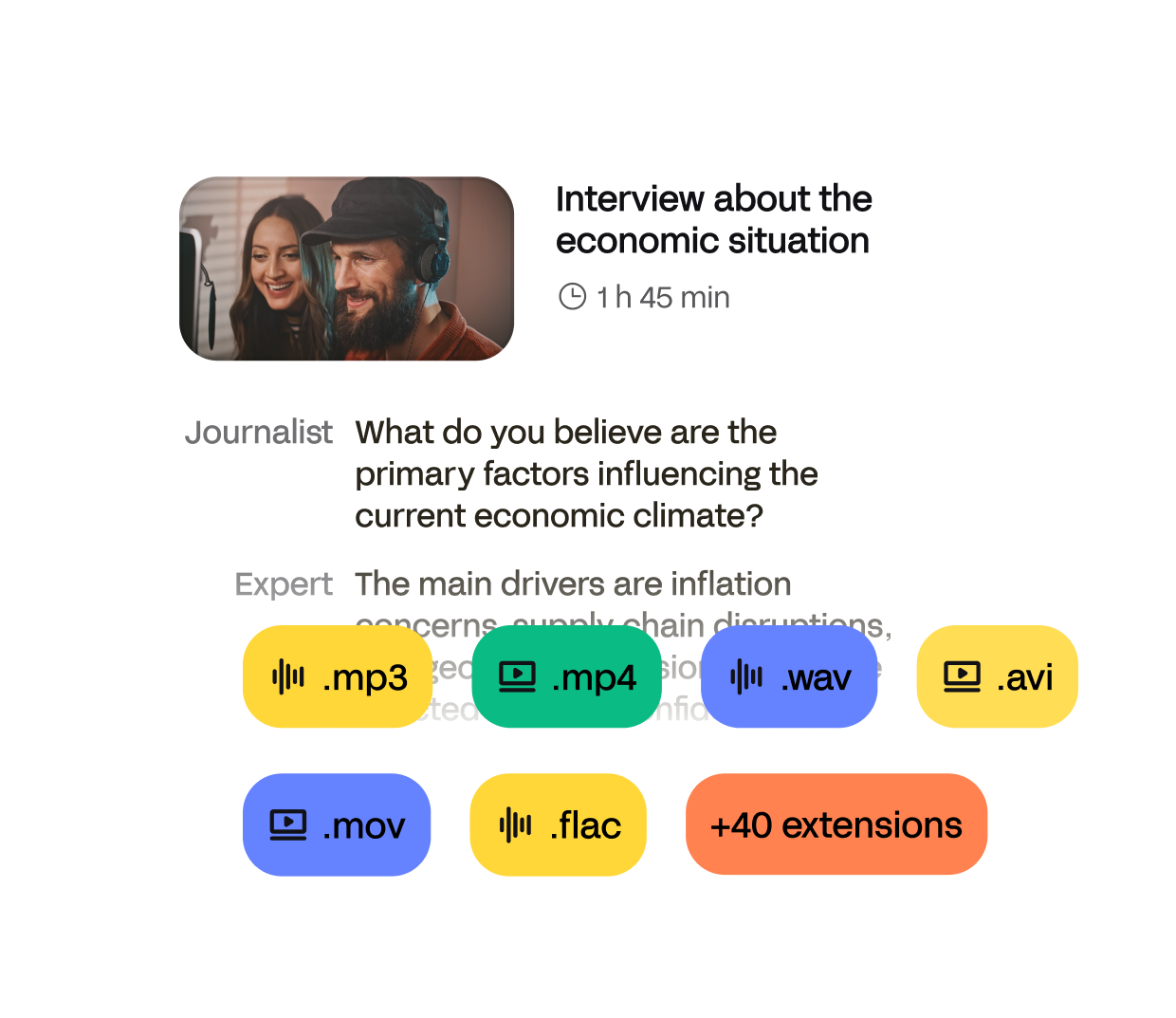
Import from your computer, YouTube, Zoom, Google Drive or Dropbox. We support MP4, MOV, AVI, MKV, and more.
Use our online video to text converter to generate accurate video transcripts in minutes.


Trusted by 6m+ users and 41,000+ teams of all sizes
Import from your computer, YouTube, Zoom, Google Drive or Dropbox. We support MP4, MOV, AVI, MKV, and more.
Use our AI video transcriber for fast results, or order human-made transcripts for extra accuracy.
Review the transcript in our editor, fix anything in seconds, then export to TXT, DOCX, PDF, or subtitles (SRT, VTT).
HappyScribe is an AI-powered video transcript generator and video transcriber that lets you convert video to text, create subtitles, and get ready-to-use transcripts in minutes.
Produces clear, reliable transcripts from any video — even with fast speakers, background noise, or strong accents.
Converts video into text in minutes using state of the art speech-to-text technology.
Offers human-verified transcripts for interviews, research, legal recordings, and other accuracy-critical content.
Supports video transcription for more than 150 languages and accents, suitable for global and multilingual videos.
Provides an online editor to refine video transcripts, correct text, adjust timestamps, and label speakers.
Exports your video transcripts in TXT, DOCX, PDF, or subtitle formats such as SRT and VTT.
Whether you need a Zoom meeting transcript, a YouTube transcript, or a lecture recording in text, HappyScribe turns any video into an editable transcript.
Platforms: YouTube, Zoom, Google Meet, Microsoft Teams, Loom, Google Drive, Dropbox, local files
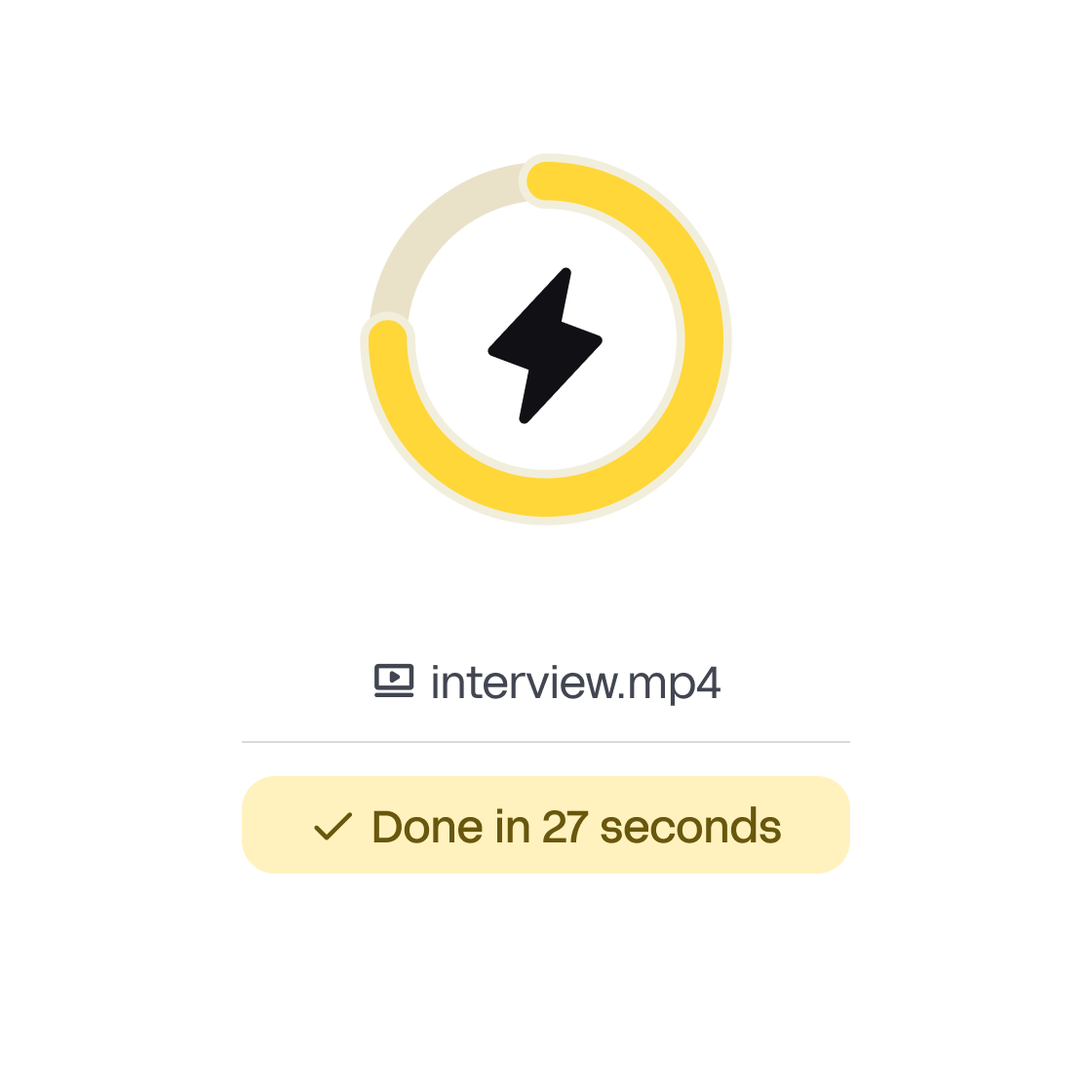
Convert any video into text in seconds. Upload a file or paste a link, and the transcript appears almost instantly — accurate, ready to edit, and generated directly in your browser.
-> No waiting, no setup
-> Works with long recordings
-> Lightning-fast turnaround powered by AI
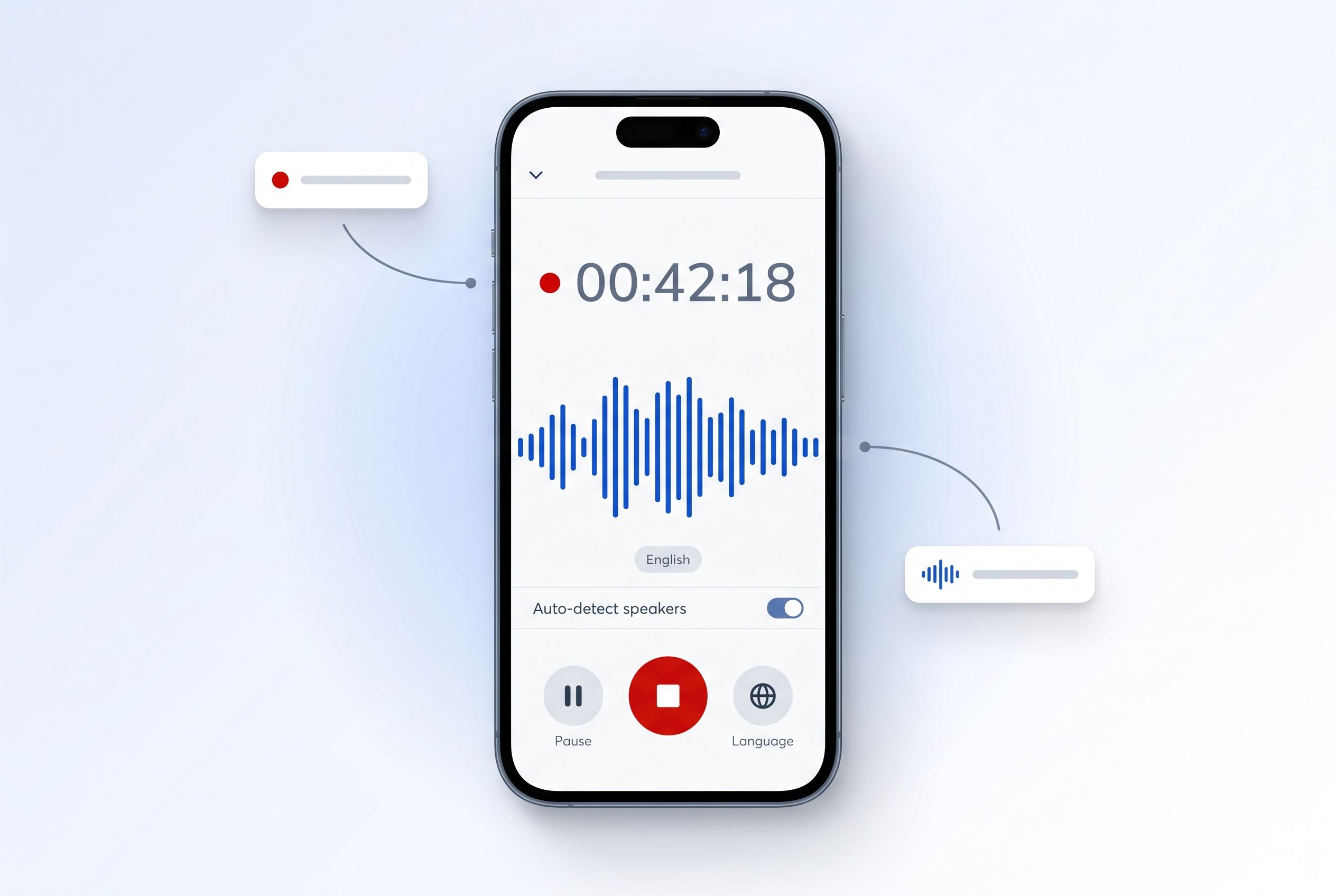
Shoot a video or record audio straight from your phone. The HappyScribe mobile app transcribes it with AI in 150+ languages, and everything syncs to your workspace — capture on the go, edit and export at your desk.
Transcribing a video to text makes the content accessible, searchable, and easier to reuse. A text version helps extract quotes, create summaries, write captions, and turn long recordings into usable documents. It saves time, improves accessibility, and allows teams to work with video content more efficiently.
A video-to-text converter turns the spoken audio in a video into written text. It analyzes speech, identifies words, and produces an editable transcript that can include timestamps and speaker labels. This makes video content easier to read, search, repurpose, and share across different formats.
You can start with free minutes to test transcription. No commitment required — upgrade only when you need more volume or human transcription.
Upload your video, choose AI or human transcription, and let HappyScribe convert the audio into text. You can edit the transcript online and export it in any format.
There are three main methods to do so; doing it yourself (DIY), using an AI video to text transcription software, or using a human transcription service. HappyScribe offers all three options. Manually converting your video to text is the free method, but also extremely time-consuming. Our AI transcription software uses the state-of-the-art speech recognition technology to transcribe your video in a few minutes with 85% accuracy. Our human transcription service provides the highest accuracy rate and delivers in 24 hours.
Yes. Paste the YouTube link into HappyScribe and your Youtube video will be transcribed automatically. No downloads or plugins needed.
Yes, you can edit the transcript of your video. HappyScribe's interface comes with an easy-to-use editor that helps you proofread the AI-powered transcription in the most efficient way.
Yes. Files are encrypted in transit and at rest, processed securely, and never shared. HappyScribe is GDPR compliant and SOC 2 Type II certified following strict data-protection standards.
It simply works. I've been trying everything and finally I feel comfortable with a platform and the service they got me.
This is an excellent transcribing and subtitling solution on a budget.
Amazing. Helped when we were in a jam.
Quick, easy, superior quality, reasonable pricing.
Great software, most accurate I’ve used and reasonably priced.
I am really happy for HappyScribe. It's fast and mistakes done on transcription are nothing compared to other programs. It's great to add subtitles straight away to the movie or export if I want.
HappyScribe is fast & accurate. Well done guys!
Works great and has a bunch of different settings to transcribe it best for you.
Very impressed with transcriptions of recorded interviews for MSc research. Saved a lot of time and stress. Thank you.

Looking for video to text software? Compare HappyScribe, Otter, VEED, Notta, and Tactiq, and see which one’s the best fit for your workflow.
In this article, you’ll learn how to efficiently convert video content into text, whether for accessibility, SEO, or broader audience engagement. We’ll explore top tools like Happy Scribe, and offer practical tips for ensuring accurate and high-quality transcriptions to make your content conversion process smooth and effective.
This article discusses the advantages and distinctive features of Vimeo's transcription service, which enhances video accessibility, aids in SEO, and attracts a broader audience.