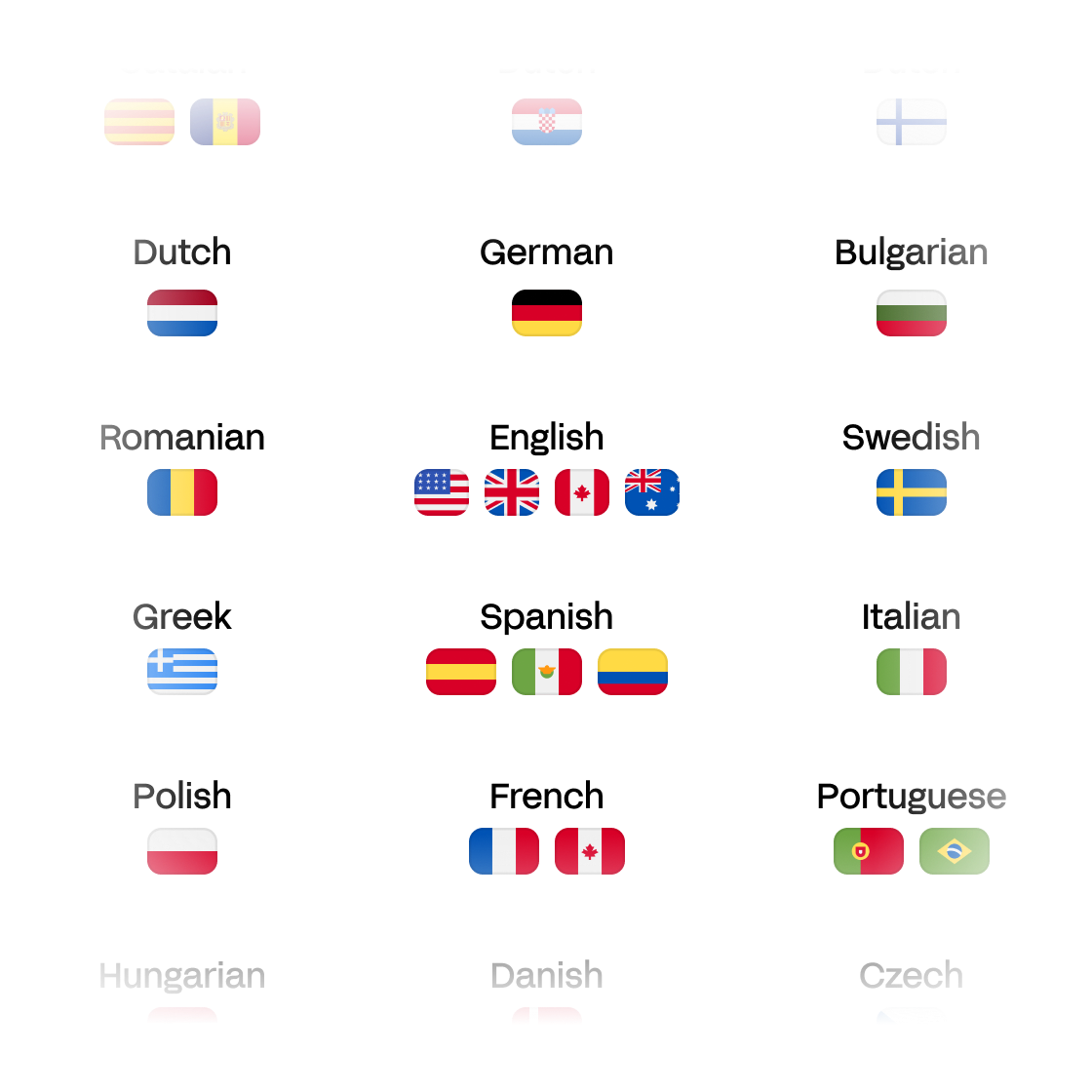
Subtitles in 120+ languages
Reach global audiences with video captions in over 120 languages. Translate, review, and burn-in subtitles all in one intuitive platform.
Online tool to add accurate subtitles and captions to videos without hassle. Use AI to generate them or import your own—easy, fast, and 95% accurate.


Trusted by 6m+ users and 41,000+ teams of all sizes
Reach global audiences with video captions in over 120 languages. Translate, review, and burn-in subtitles all in one intuitive platform.
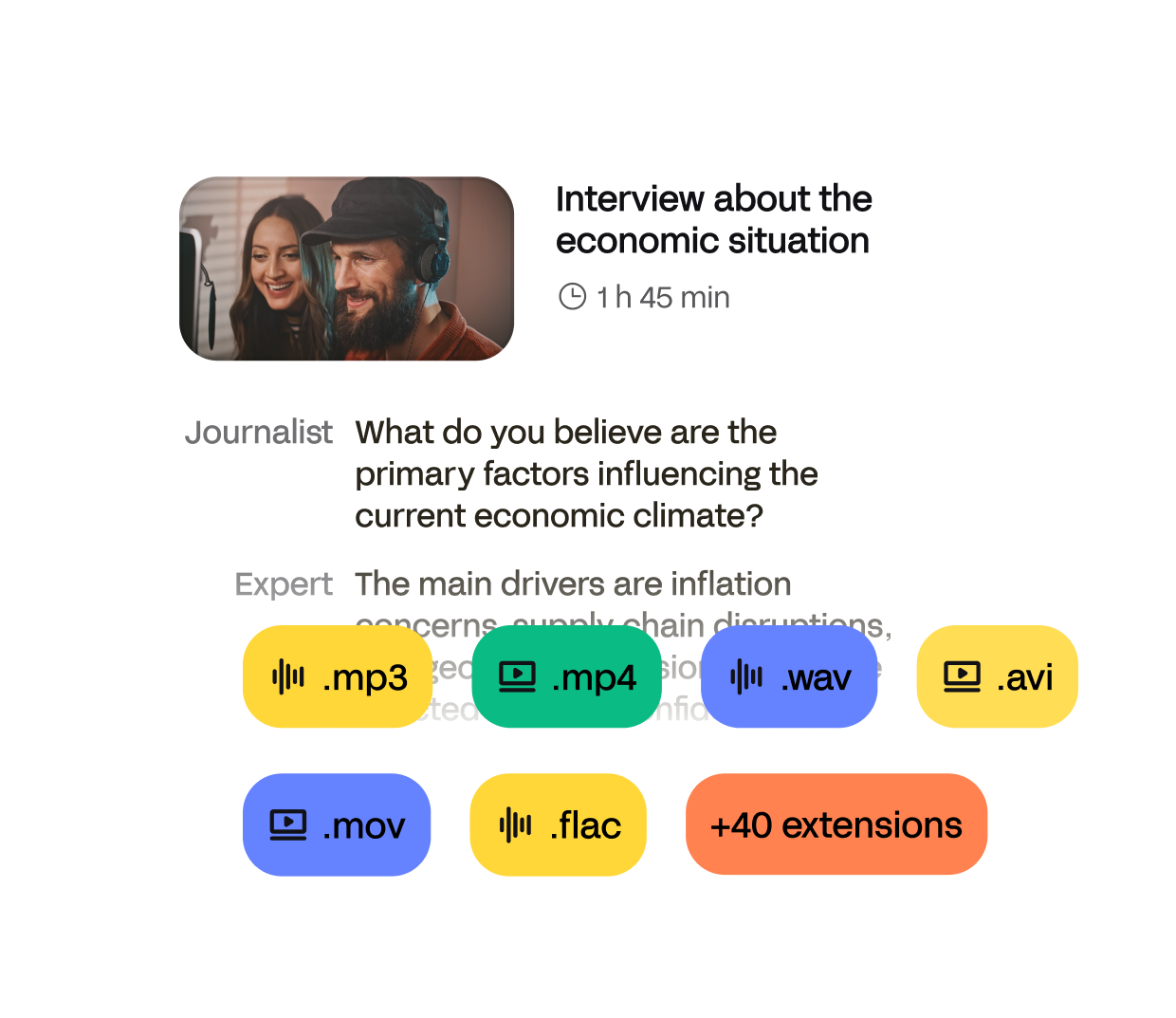
From .mp4 to .mov and .avi, HappyScribe supports the most common video formats so you can subtitle any file.
Your videos and subtitle files are protected with enterprise-grade security (SOC II Type 2). Your data stays private, always.
Import your video from your computer, Google Drive, Dropbox, or YouTube. We support all major video formats like MP4, MOV, AVI, and more.
Use our advanced speech recognition for fast and accurate auto subtitles, or upload your own subtitle file. You can also translate subtitles into 120+ languages.
Fine-tune auto subtitles or closed captions with our easy-to-use editor. Choose to export as .SRT, .VTT, .STL, or burn them directly into your video—ready for any platform.
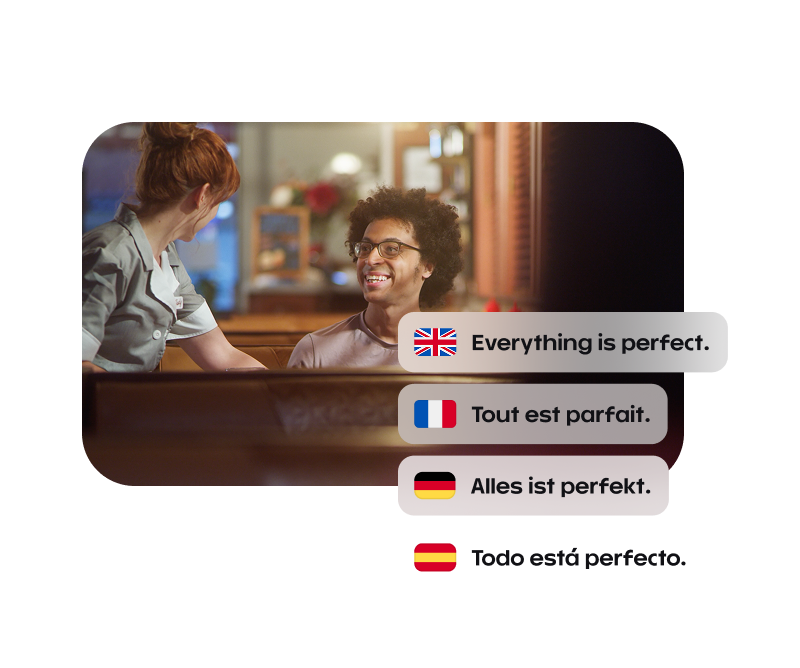
“I knew we had to use HappyScribe on my projects because the subtitles it generates are so much better than other similar solutions.”
Start with AI-generated captions, then tweak everything from timing to tone in just a few clicks.
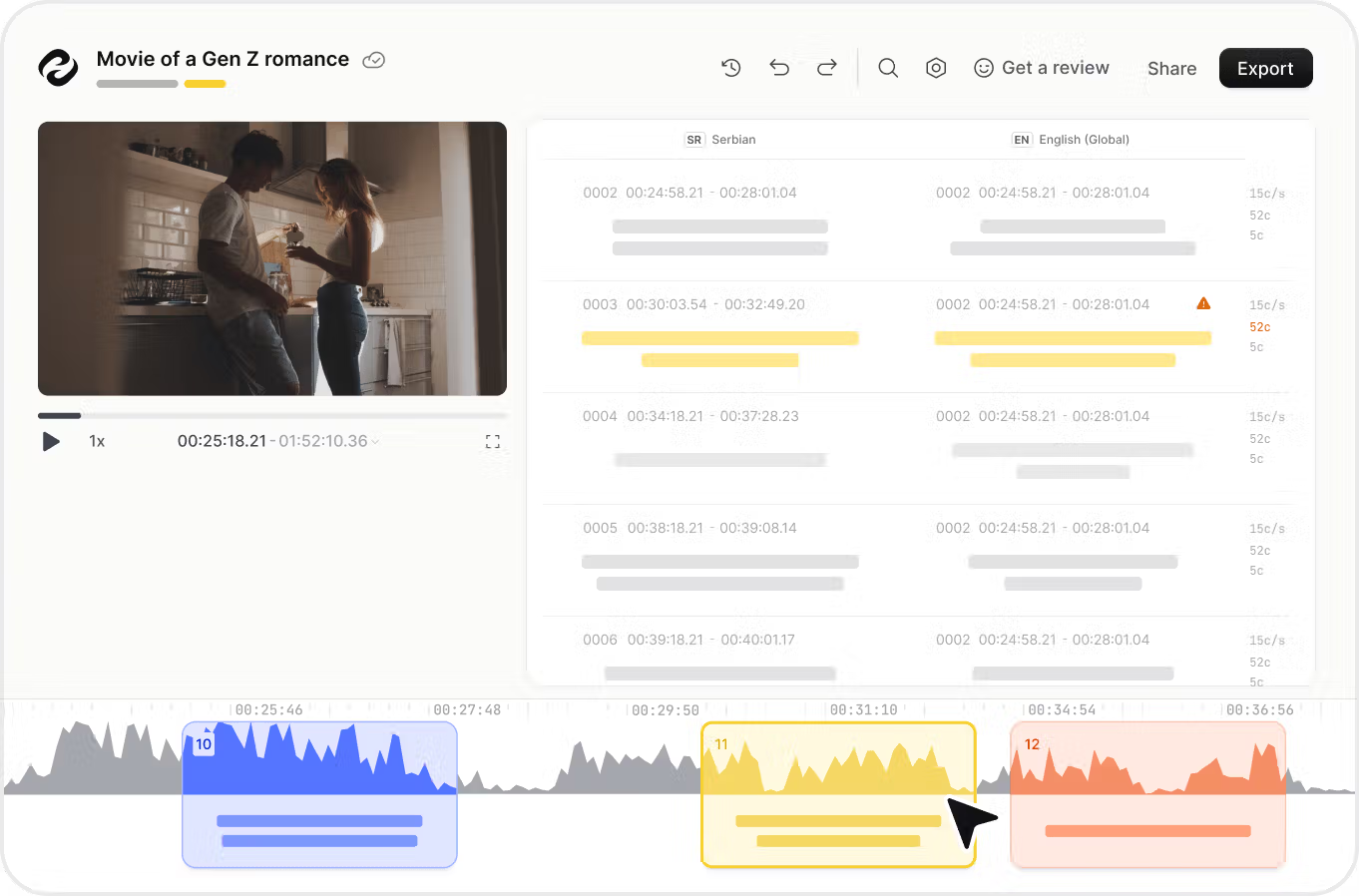
Make your content more accessible and engaging by adding subtitles to your social media videos. HappyScribe’s automatic subtitle generator helps you reach an broader and international audience, including those who watch on mute or who are deaf or hard of hearing. Use subtitles to make your message clear across social media platforms like YouTube, Instagram, LinkedIn, and TikTok.
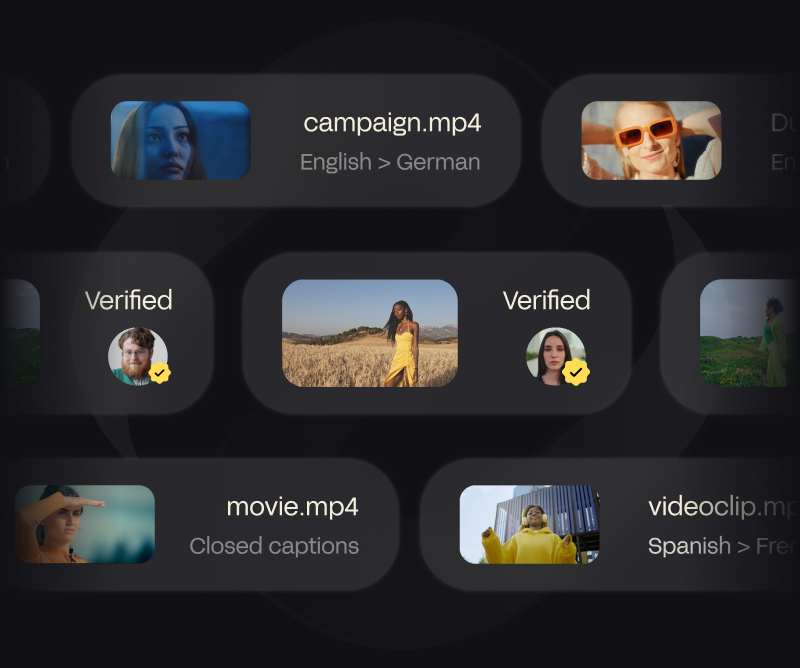
Adding captions and subtitles keeps your audience watching longer. Highlight key moments, clarify your message, and boost click-through rates—especially on social media. With our subtitle editor, you can fine-tune your captions and improve user experience.
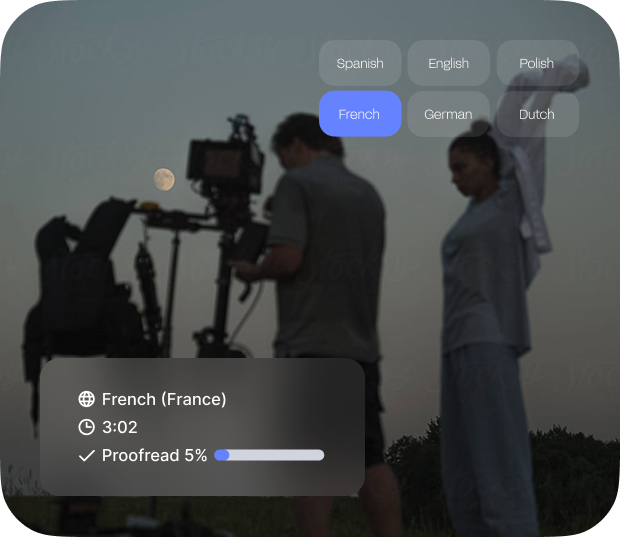
Turn your video subtitles into SEO-friendly text. When you add subtitles, search engines can index your content more easily, helping your videos appear in more searches and reach more people. Export subtitles, add them to your description, or burn them into the video—your choice.

Simply upload your video file (MP4, MOV, AVI, and more) to HappyScribe. Our AI subtitle generator will automatically transcribe the audio and create accurate, time-coded subtitles. You can then edit them, export them as SRT file or VTT file, or burn them into your video directly.
You can try HappyScribe’s subtitle generator for free with limited minutes to test the platform. After that, you can choose from flexible pricing based on the length of your video or switch to a subscription plan that suits your needs.
Yes! Once your subtitles are generated, you’ll be able to use our online subtitle editor to correct timing, edit text, add speaker names, and format the style. It’s intuitive and doesn’t require any special video editing skills.
No problem. In the subtitle editor, you can manually adjust the timing of each subtitle or use the auto-sync tool to realign them with the video. This is especially useful if you’ve uploaded your own SRT or VTT file.
Absolutely. HappyScribe allows you to translate subtitles into over 120+ languages with just a few clicks. Whether you’re creating content for a global audience or need multilingual subtitles for accessibility, our platform makes it easy.
Subtitles reflect the spoken words in a video, usually for viewers who can hear but may not understand the language. Captions include additional information like [music playing] or [laughter] and are intended for deaf or hard-of-hearing viewers. HappyScribe supports both.
Hardcoded (or burned-in) subtitles are permanently embedded into your video. With HappyScribe, you can choose to burn subtitles into your video directly or download them separately as subtitle files. Perfect for platforms that don’t support external files.
Adding subtitles to your videos shouldn’t be complicated or time-consuming. Whether you’re a content creator, educator, marketer, or team working across borders, HappyScribe makes it simple to subtitle videos with speed, precision, and ease.
Our online subtitle generator uses advanced speech recognition to automatically create subtitles from your video in seconds. Just upload your video file—MP4, MOV, AVI, or any other common format—and we’ll generate accurate, time-stamped subtitles instantly. Prefer to work with your own caption file? You can also upload subtitles in formats like SRT, VTT, or TXT.
Edit and customize your subtitles using our interactive editor. You can tweak timing, adjust formatting, and even add speaker names. When you’re ready, choose to export your subtitles as standalone files or burn subtitles directly into the video to create a hardcoded version ready to publish.
Want to reach a global audience? With support for 120+ languages, HappyScribe also lets you translate subtitles with just a few clicks, making your content accessible worldwide—even without sound.
From boosting accessibility to improving engagement and SEO, HappyScribe is your all-in-one solution to add subtitles to video online—accurately, quickly, and securely.
Other video subtitling tools
"I have loved using HappyScribe to help with my copywriting. I find that if I conduct an interview, I can have it transcribed to quickly move into the writing/editing phase for published pieces. Great software and fairly priced."
"I needed some voicemails transcribed quickly. Very impressed with the fast and accurate transcription for an affordable price!"
"Using HappyScribe is easy and seamless. The accuracy of its transcription engine is quite high, and from the time of submission of an MP3 file to the time of getting back a transcribed Word document is under 10 minutes, which is quick."
"Intuitive, transparent, yet very effective."
"We used it for our company. Very helpful."
"My experience with this site was great and I can't wait to experience more"
"Works really well and is very easy to use. Transcript and subtitles are very accurate and where they are not it's really easy to amend them. Loads of customisation options. Excellent value for money."
"I have loved using HappyScribe to help with my copywriting. I find that if I conduct an interview, I can have it transcribed to quickly move into the writing/editing phase for published pieces. Great software and fairly priced."
"I needed some voicemails transcribed quickly. Very impressed with the fast and accurate transcription for an affordable price!"
"Using HappyScribe is easy and seamless. The accuracy of its transcription engine is quite high, and from the time of submission of an MP3 file to the time of getting back a transcribed Word document is under 10 minutes, which is quick."
"Intuitive, transparent, yet very effective."
"We used it for our company. Very helpful."
"My experience with this site was great and I can't wait to experience more"
"Works really well and is very easy to use. Transcript and subtitles are very accurate and where they are not it's really easy to amend them. Loads of customisation options. Excellent value for money."
"Works really well and is very easy to use. Transcript and subtitles are very accurate and where they are not it's really easy to amend them. Loads of customisation options. Excellent value for money."
"My experience with this site was great and I can't wait to experience more"
"We used it for our company. Very helpful."
"Intuitive, transparent, yet very effective."
"Using HappyScribe is easy and seamless. The accuracy of its transcription engine is quite high, and from the time of submission of an MP3 file to the time of getting back a transcribed Word document is under 10 minutes, which is quick."
"I needed some voicemails transcribed quickly. Very impressed with the fast and accurate transcription for an affordable price!"
"I have loved using HappyScribe to help with my copywriting. I find that if I conduct an interview, I can have it transcribed to quickly move into the writing/editing phase for published pieces. Great software and fairly priced."
"Works really well and is very easy to use. Transcript and subtitles are very accurate and where they are not it's really easy to amend them. Loads of customisation options. Excellent value for money."
"My experience with this site was great and I can't wait to experience more"
"We used it for our company. Very helpful."
"Intuitive, transparent, yet very effective."
"Using HappyScribe is easy and seamless. The accuracy of its transcription engine is quite high, and from the time of submission of an MP3 file to the time of getting back a transcribed Word document is under 10 minutes, which is quick."
"I needed some voicemails transcribed quickly. Very impressed with the fast and accurate transcription for an affordable price!"
"I have loved using HappyScribe to help with my copywriting. I find that if I conduct an interview, I can have it transcribed to quickly move into the writing/editing phase for published pieces. Great software and fairly priced."


